
QuoteWerks Features
QuoteWerks Sales Dashboards for Quote Tracking, Pipeline Visibility, and Reporting
QuoteWerks dashboards give sales reps and managers a clearer view of quote activity, order volume, pipeline progress, and customer engagement. Instead of piecing together data from multiple systems, your team can see important quoting and sales metrics in one place and act faster.
QuoteWerks dashboards act as a built-in sales dashboard and quote reporting system, helping teams track performance without relying only on CRM reports.

QuoteWerks dashboards help sales reps and managers track quote activity, pipeline progress, and customer engagement in one place.
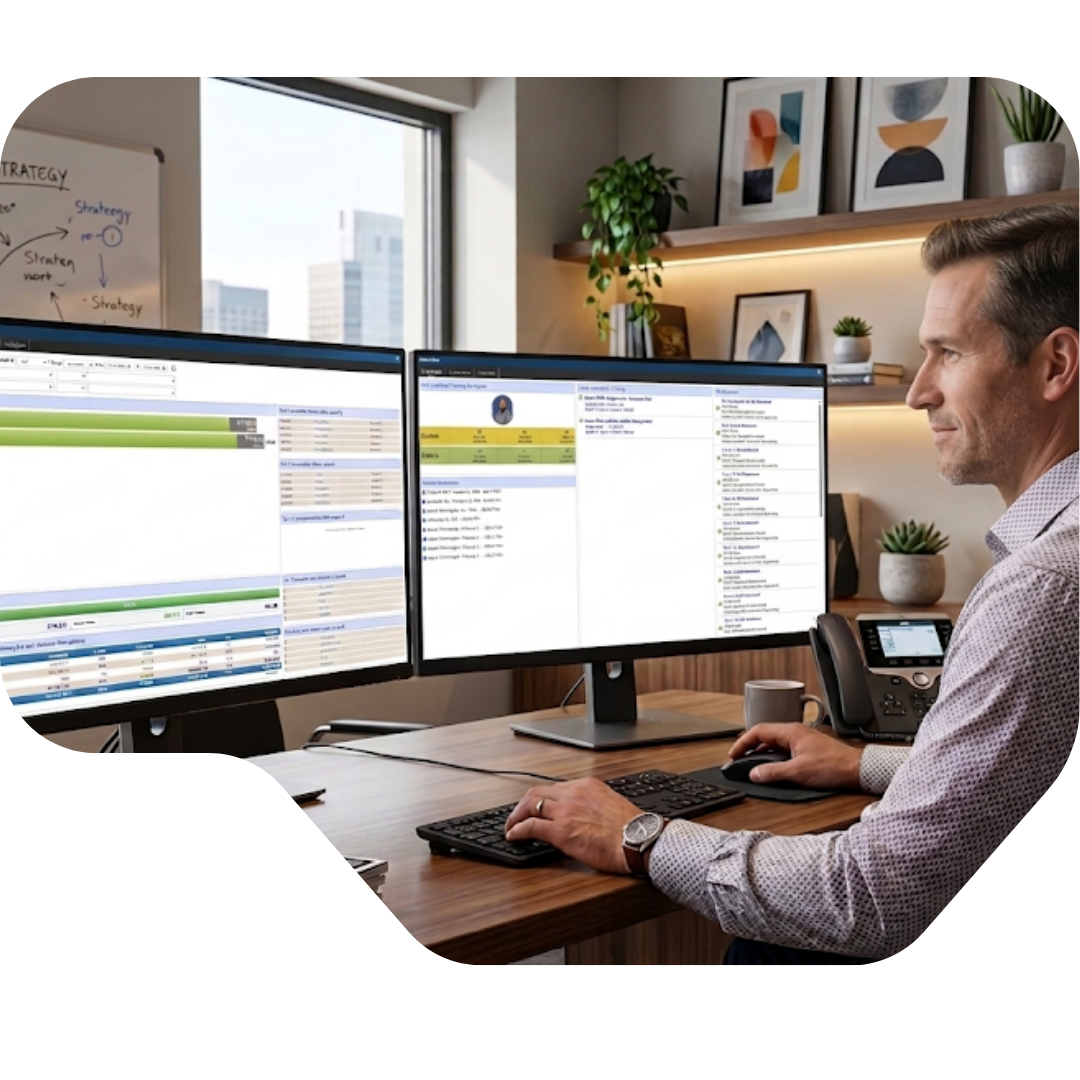
At-a-Glance Visibility
See quote and order activity without digging through reports
Start with the numbers your team checks most often
QuoteWerks includes dashboard views designed to surface the information sales teams use every day. Instead of forcing users to run separate reports or manually piece together performance data, dashboards bring important activity into one place.
Users can quickly review quote and order totals, compare activity across time periods, and get a clearer sense of current momentum. This makes it easier for both sales reps and managers to spot changes early, stay organized, and spend less time hunting for information.
Daily Execution
Keep important quoting work in front of the team
Track follow-up needs, notifications, and sales progress in one place
Most quoting delays do not happen because teams lack data. They happen because follow-up gets missed, documents go stale, or important activity is spread across too many systems.
QuoteWerks dashboards help reduce that friction by keeping key work visible. Teams can monitor expiring quotes, review notifications, and stay on top of performance without having to jump from screen to screen. That makes it easier to protect open opportunities and keep sales moving.
For teams using integrations with systems like Autotask or ConnectWise, dashboards can also surface quote-related notifications that require attention.
Expiring Quotes
Notifications
Sales Progress

Pipeline Insight
Understand sales performance from real quoting activity
Use quote data to support visibility, forecasting, and better decisions
For many companies, the most useful signal in the sales process lives inside the quote itself. What was proposed, what changed, what products were included, what was won, and what stalled often tell a more accurate story than a manually maintained opportunity record alone.
QuoteWerks dashboards help turn that quoting activity into usable sales visibility. This gives managers a better view into pipeline movement, forecasting trends, and sales performance while also helping reps stay focused on the work that actually drives deals forward.
QuoteWerks includes dashboards such as the My Summary Dashboard and Opportunities Dashboard, giving visibility into open, won, and lost quotes, top products, and sales performance over time. Because this data is pulled directly from the QuoteWerks database, it reflects real-time quoting activity instead of relying on manually updated records.
This is especially important because CRM opportunity data is often incomplete or outdated, while the quote reflects what is actually being proposed and sold.
Turn quoting data into usable sales reporting
Many sales dashboard tools rely on manually maintained CRM data, which is often incomplete or out of date. QuoteWerks uses real quoting activity to power sales dashboards, quote reporting, and pipeline visibility. This gives teams a more accurate view of performance, product trends, and deal progression without adding more reporting work.
Role-Based Visibility
Give sales reps and managers the visibility they actually need
Support daily execution for reps and accountability for leadership
Sales reps need a fast way to see which quotes need attention and what is moving forward. Managers need visibility into quote volume, deal progress, and performance trends across the team.
QuoteWerks dashboards are built around these real workflows, helping reduce missed follow-up and improving accountability without adding more process.

QuoteValet Visibility
Monitor customer engagement and payment activity tied to your quotes
Extend dashboard visibility beyond internal activity and into customer response
Dashboards become significantly more valuable when they connect to what happens after the quote is sent. With QuoteValet, QuoteWerks extends visibility into customer engagement and payments, helping teams track not just activity, but actual revenue movement.
Users can view QuoteValet notifications, monitor quote engagement, and review payment-related activity tied to QuoteWerks documents. This helps teams stay closer to the revenue side of the process and act faster when customers engage.
Inbox Dashboard
Reporting Dashboard
Payments Dashboard
Dashboards FAQ
Common questions about QuoteWerks dashboards
What sales teams and managers usually want to know
These FAQs explain how QuoteWerks dashboards support quote tracking, sales reporting, and pipeline visibility. They also cover how dashboards work alongside CRM systems and why quoting data often provides a more accurate view of sales activity.
QuoteWerks dashboards are designed to give sales teams clear visibility into quote activity, order volume, and overall sales performance without relying only on separate reports or spreadsheets. Users can track quote totals, monitor order activity, identify expiring quotes, and review notifications that require follow-up.
In addition to day-to-day activity, dashboards help surface broader sales trends, including how quoting activity is changing over time and where deals may be slowing down. This makes it easier for both sales reps and managers to stay aligned, prioritize work, and respond quickly to opportunities that need attention.
Because this information is centralized in one place, teams spend less time searching for data and more time focusing on moving deals forward. This is especially important for companies managing a high volume of quotes or complex sales processes.
Yes. QuoteWerks dashboards are built to support both individual contributors and sales leadership, without requiring separate tools or reporting layers.
For sales reps, dashboards provide a clear view of active quotes, follow-up needs, and progress toward goals. This helps reps stay organized, avoid missed opportunities, and focus on the quotes most likely to convert. Instead of manually tracking activity, reps can rely on dashboards to highlight what needs attention.
For managers, dashboards provide broader visibility into team performance, pipeline movement, and overall sales activity. This includes trends in quote volume, deal progression, and performance across time periods. Managers can use this information to identify gaps, coach more effectively, and make better decisions around forecasting and resource allocation.
By supporting both roles, QuoteWerks dashboards help create alignment between execution and oversight without adding additional reporting complexity.
Yes. QuoteWerks dashboards can play an important role in supporting sales forecasting by providing visibility into real quoting activity and deal progression.
Unlike traditional forecasting methods that rely heavily on manually updated CRM opportunity stages, QuoteWerks dashboards are based on actual quote data. This includes what has been proposed, updated, and actively worked on by the sales team. Because of this, dashboards can provide a more realistic view of pipeline movement and sales momentum.
Managers can use this information to identify which deals are active, which may be at risk, and where sales activity is trending over time. This helps improve the quality of forecasting conversations and reduces reliance on incomplete or outdated data.
While dashboards do not replace a formal forecasting process, they provide a more accurate operational foundation that supports better decision-making.
No. While QuoteWerks dashboards provide strong visibility into internal quote and sales activity, they can also extend into customer-facing activity through QuoteValet.
With QuoteValet, dashboards can include visibility into quote engagement and payment activity, helping teams understand what happens after a quote is sent. This includes tracking when customers interact with quotes, reviewing engagement history, and monitoring payments tied to QuoteWerks documents.
This added layer of visibility helps bridge the gap between internal sales activity and actual customer response. Instead of relying only on internal updates, teams can see how customers are interacting with quotes and take action accordingly.
For many organizations, this connection between quoting activity and customer engagement is critical for improving follow-up, shortening sales cycles, and increasing close rates.
CRM dashboards and quoting dashboards serve different purposes, and understanding that difference is important.
CRM dashboards typically rely on manually updated opportunity records. Sales reps are expected to create, update, and maintain deal information, which can lead to incomplete or outdated data over time. As a result, CRM dashboards often reflect what should be happening in the pipeline rather than what is actually happening.
QuoteWerks dashboards, on the other hand, are driven by real quoting activity. They reflect what has been proposed to customers, what has been updated, and what products and pricing are actively being worked on. This provides a more accurate and real-time view of sales activity.
Rather than replacing CRM dashboards, QuoteWerks dashboards complement them by adding an operational layer of visibility based on real work being done in the quoting process. This helps teams reduce reliance on manual updates and gain a clearer picture of pipeline health and deal progression.
Dashboards are important in quoting software because quoting is one of the most active and time-sensitive parts of the sales process. Quotes are constantly being created, updated, sent, and followed up on, and it is easy for important details to get lost when information is spread across multiple systems.
A well-designed dashboard brings this activity together into a single, easy-to-understand view. This helps sales reps quickly identify which quotes need attention, which deals are moving forward, and where follow-up is required. It also helps managers monitor overall activity and ensure that opportunities are not being overlooked.
Without dashboards, teams often rely on manual tracking, disconnected reports, or memory, which increases the risk of missed opportunities and slower response times. By centralizing visibility, dashboards help improve execution, reduce friction, and support more consistent sales performance.