Overview
Before you can setup and use the ScanSource Real-time Pricing & Availability features, you will need to obtain your credentials from ScanSource. You can retrieve these credentials at https://partnerportal.scansource.com/
Setup
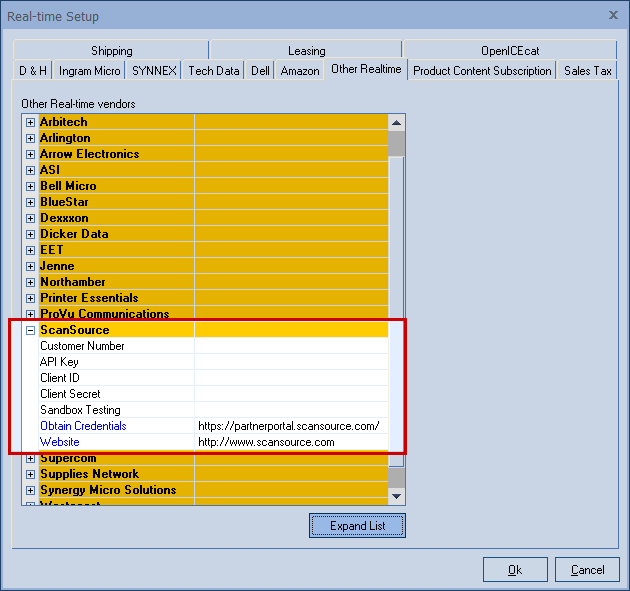
Select the Real-time tab of the Tools -> Options menu, then select the Other sub-tab and navigate to ScanSource.
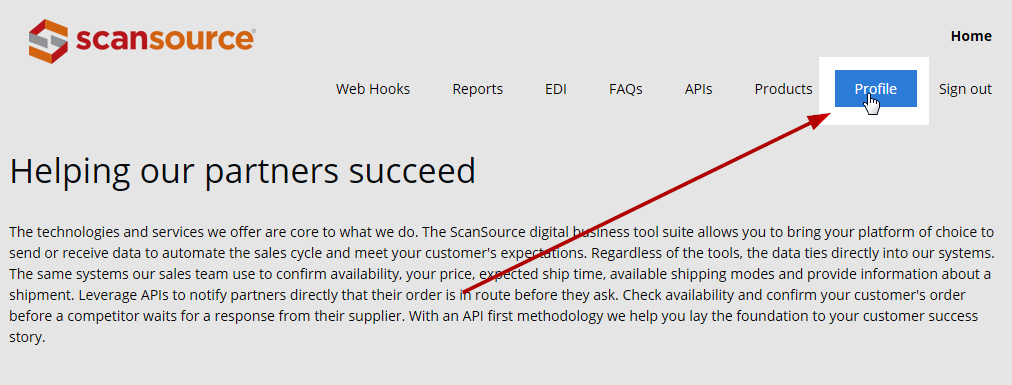
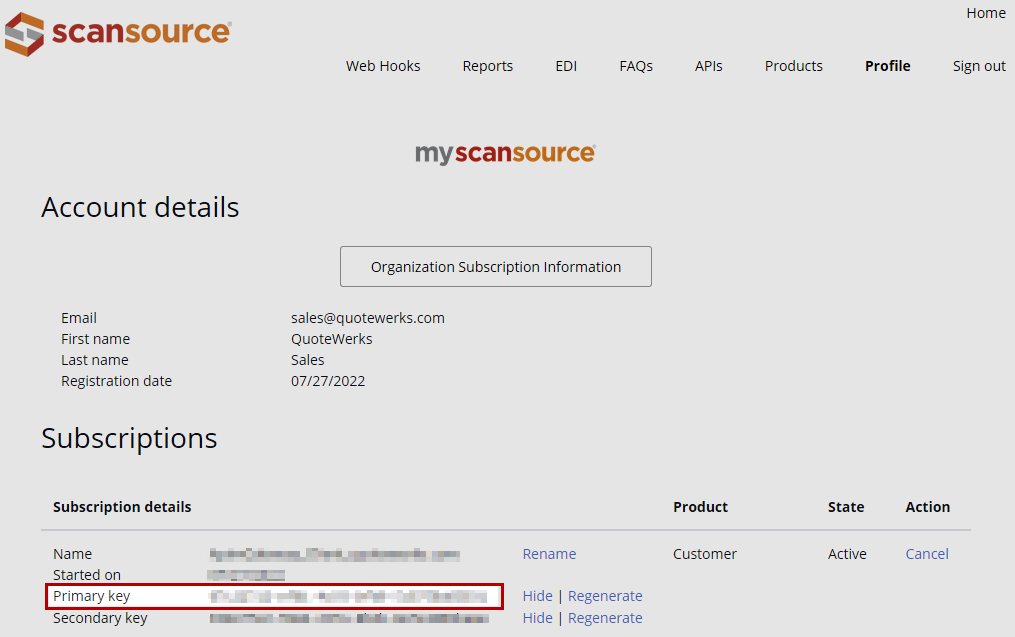
One logged into the partner portal site, click on Profile
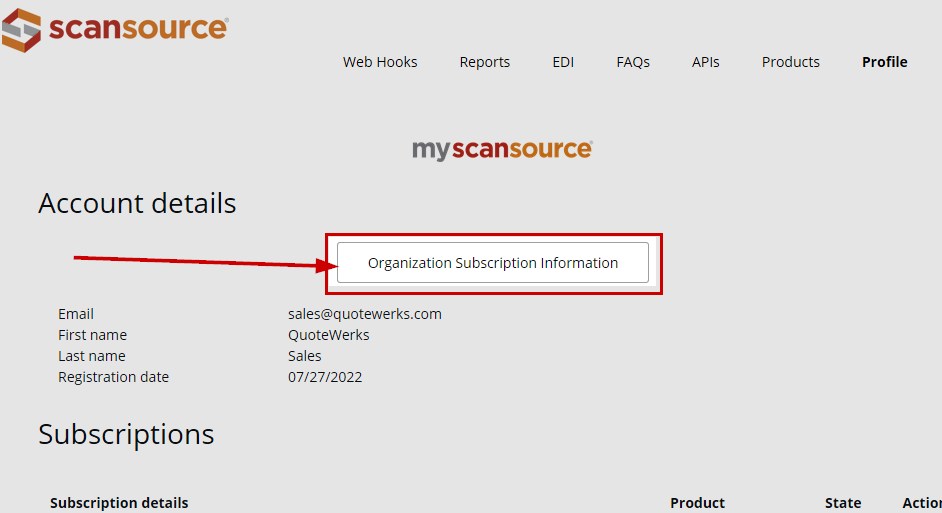
This will bring you to your Account Details page. Here, click Organization Subscription Information
On This page you will find your Customer Number, Client ID, and Client Secret
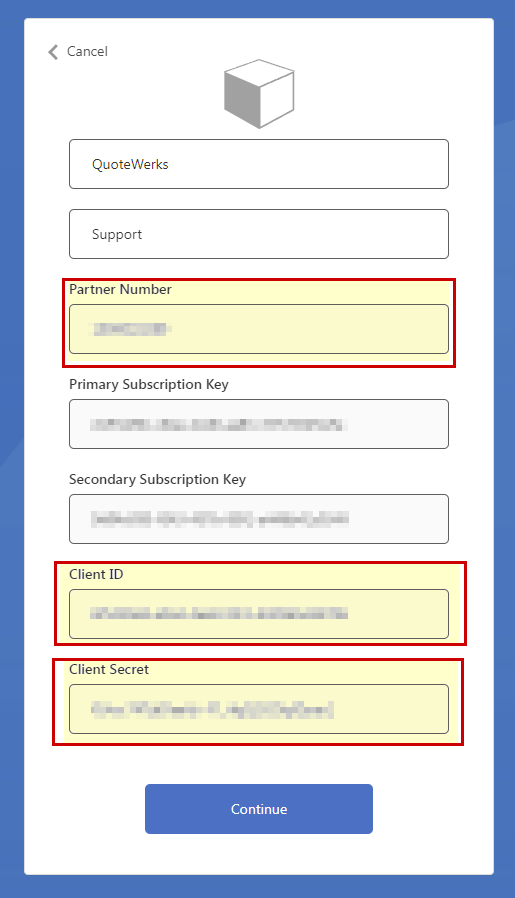
Click Continue to return to the Account Details page
API Key
On the Organization Subscription Information page, retrieve the Primary Key and enter this into the API Key field:
Sandbox Testing
Enter No unless advised differently by ScanSource or QuoteWerks support.
Related Topics: