407-248-1481

QuoteWerks Videos
Search:
Solution Overviews
-
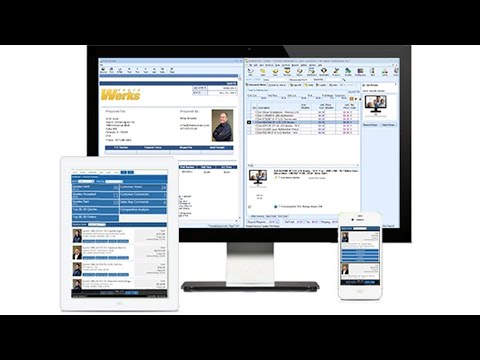 QuoteWerks 4-Minute Quick TourQuoteWerks enables you to reduce your quoting time from hours to just minutes.
 -
 QuoteWerks Product OverviewThe core QuoteWerks functionality is described in depth during this 30 minute video:
Quoting products and services
Quote Sheet features
Saving quotes
Converting quotes to orders
Printing quotes
Customization
Creating product lists
Professional Edition features
Accounting link features
Advanced features
-
 QuoteWerks Web - IntroductionA short introduction to QuoteWerks Web. If you are using QuoteWerks Desktop to automate your sales process, QuoteWerks Web is the next step in the evolution of your sales team.
 -
 What is VendorRFQ?VendorRFQ enables customers to communicate with their vendors, discussing and negotiating pricing and details for goods and services, collecting and organizing this information from one or all of their vendors.
 -
 QuoteWerks Services and Training OptionsAre you new to QuoteWerks and need help getting started? Maybe you’ve had QuoteWerks for a while but need some refreshing? Or maybe you have staff that’s just starting and you don’t have time to train them? QuoteWerks can help!
 -
 CRM and Accounting IntegrationsDid you know that QuoteWerks integrates with many CRMs, PSAs, and accounting software solutions? Our integrations allow you to work seamlessly within multiple systems without adding to your workload.
 -
 QuoteWerks Integrates with QuickBooksDid you know that QuoteWerks integrates with both QuickBooks Online and QuickBooks Desktop - keeping your sales people out of your accounting software?
 -
 QuoteValet - Modern Quote DeliveryTMQuoteValet is a more robust way to deliver quotes to your customers and prospects. Ever wonder what happens to your quote after you sent it? With QuoteValet, instead of emailing a PDF of your quote, it creates an interactive web page where your customer can selection options, ask questions and even sign and pay electronically.
 -
 QuoteValet MobileUse your iPad or HTML5 compatible tablet to create quotes while on the go.
 -
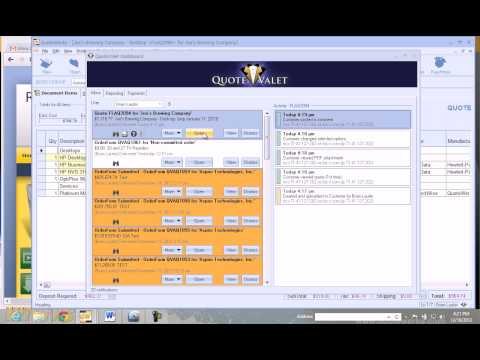 Overview for VARs and MSPsIn this video, you will see an overview of the tools available to IT Professionals within QuoteWerks enabling you to create Content Rich Quotes and Proposals with both speed and efficiency.
 -
 Why you need quoting and proposing softwareJohn Lewe, President, Founder, and Lead Developer of QuoteWerks, talks about the need for quoting software. All business need three core software applications. CRM, Quoting, and Accounting software. In this video we discuss the untapped benefits in implementing quoting software.
 -
 Why customers love usIt is important to know what kind of company you will be working with. John Lewe, our President, talks about the company he has built.
 -
 How QuoteWerks startedJohn Lewe, President and Founder, discusses how he first encountered the need for quoting software and how he invented QuoteWerks back in 1993. Today QuoteWerks is the market leading sales quoting and proposal software serving over 66,000 users in 101 countries.
CRM Integrations
-
 Act!Demonstrates the QuoteWerks integration with ACT!
 -
 Act! Integration SetupDemonstrates how to setup the QuoteWerks integration with Act!.
 -
 ACT! for Web!Demonstrates the QuoteWerks integration with ACT! for Web.
 -
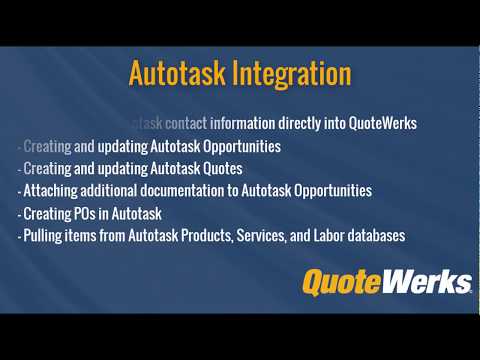 AutotaskDemonstrates the QuoteWerks integration with Autotask.
 -
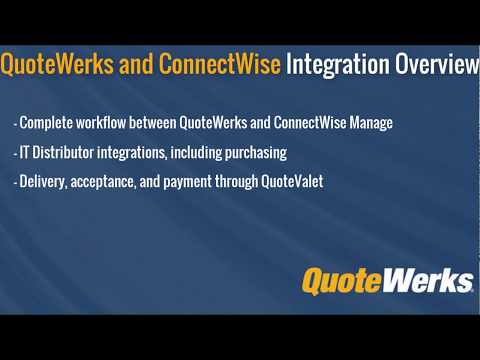 ConnectWiseDemonstrates the QuoteWerks integration with ConnectWise.
 -
 ConnectWise Quick Opportunity OverviewQuick Overview of Opportunities in ConnectWise including creating Agreements, Sales Orders, and Tickets.
 -
 ConnectWise Integration SetupDemonstrates how to setup the QuoteWerks integration with ConnectWise.
 -
 ConnectWise Service Items on OpportunitiesDemonstrates how to setup the QuoteWerks integration with ConnectWise to populate service items in the ConnectWise opportunity as product items.
 -
 ConnectWise REST API Public and Private KeysDemonstrates how to create an API Member in ConnectWise to be used by QuoteWerks.
 -
 ConnectWise Service TicketsIn this video we introduce you to creating Service Tickets within ConnectWise via QuoteWerks. In the Joes Brewing Printer example, a total of 3 tickets are created. The first ticket is created during the quoting process for the Accounting department to negotiate better rates with a distributor. After the quote it won in QuoteWerks, we then create a ticket for service and a ticket for all of the products.
 -
 ConnectWise Recurring ProductsDemonstrates how to use ConnectWise Catalog Items as Recurring Products on your QuoteWerks quote.
 -
 ConnectWise Using product listsDemonstrates the QuoteWerks ConnectWise integration with the ConnectWise Product Lists.
 -
 ConnectWise AgreementsDemonstrates the setting up and using Agreements with ConnectWise.
 -
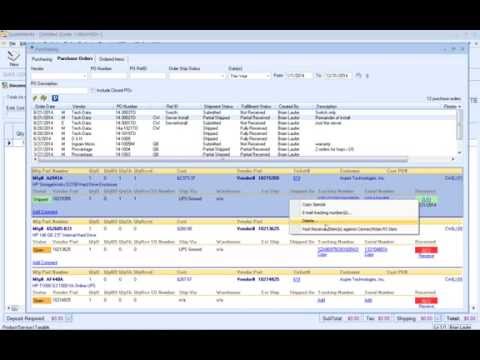 Procurement with ConnectWiseThis video will introduce you to QuoteWerks Procurement with ConnectWise, whether you have the ConnectWise Purchasing module or not. We have other videos on our website that discuss placing online orders, tracking your orders, Purchasing Sourcing, and other features of the purchasing window.
 -
 GoldMineDemonstrates the QuoteWerks integration with GoldMine.
 -
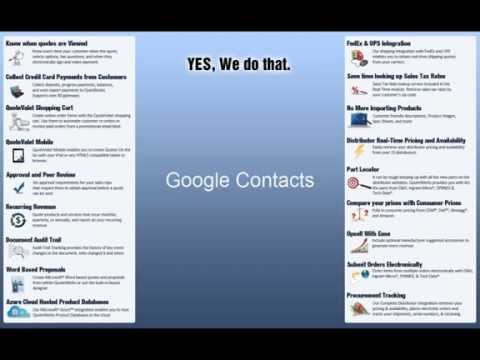 Google ContactsDemonstrates the QuoteWerks integration with Google Contacts.
 -
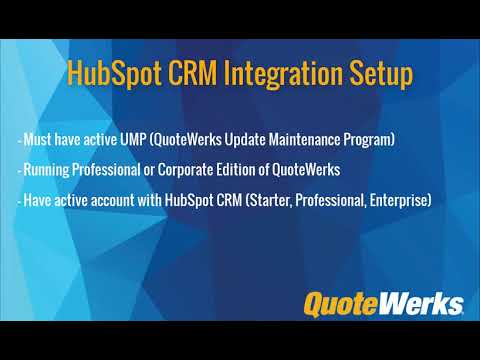 HubSpot CRM SetupThis video will walk you through how to setup the QuoteWerks integration with HubSpot CRM to retreive contacts, create deals, link to the HubSpot CRM product lists, and much more.
 -
 HubSpot CRMThis video will demonstrate how to use the HubSpot CRM integration with QuoteWerks. You'll be able to search for contacts, create and update Deals, and much more!
 -
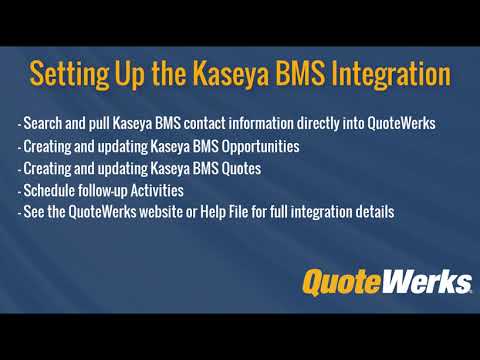 Kaseya BMS SetupDemonstrates How to Setup the QuoteWerks integration with Kaseya BMS
 -
 Kaseya BMS IntegrationDemonstrates How to Use the QuoteWerks integration with Kaseya BMS
 -
 MaximizerDemonstrates the QuoteWerks integration with Maximizer.
 -
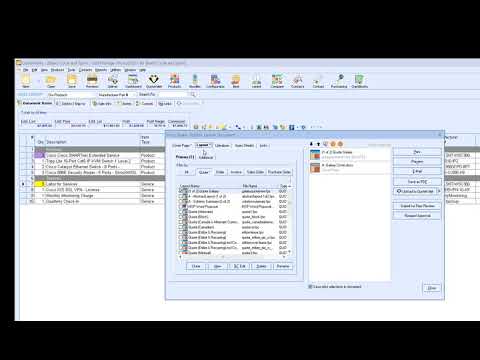 Maximizer CRM LiveThis video walks through the available features in the integration between QuoteWerks and Maximizer CRM Live.
 -
 Microsoft Dynamics CRMDemonstrates the QuoteWerks integration with Microsoft Dynamics CRM.
 -
 Microsoft OutlookDemonstrates the QuoteWerks integration with Microsoft Outlook.
 -
 Microsoft Outlook Business Contact Manager (BCM)Demonstrates the QuoteWerks integration with Microsoft Outlook Business Contact Manager (BCM).
 -
 SugarCRMDemonstrates the QuoteWerks integration with SugarCRM.
 -
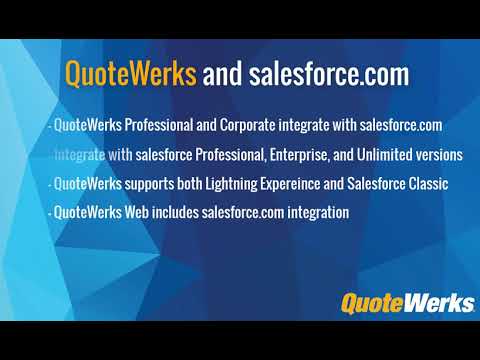 salesforce.comDemonstrates the QuoteWerks integration with salesforce.com.
 -
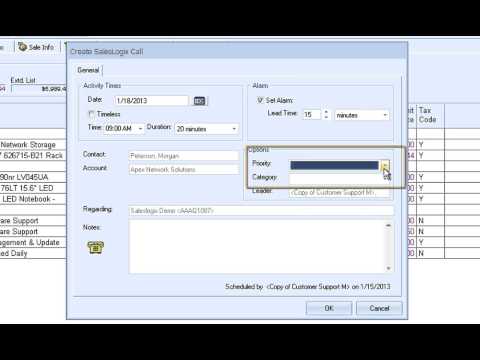 SalesLogixDemonstrates the QuoteWerks integration with SalesLogix.
 -
 Zoho CRMDemonstrates the QuoteWerks integration with Zoho CRM.
 -
 Zoho CRM SetupThis video will walk you through connecting your Zoho Account with your QuoteWerks installation.
 -
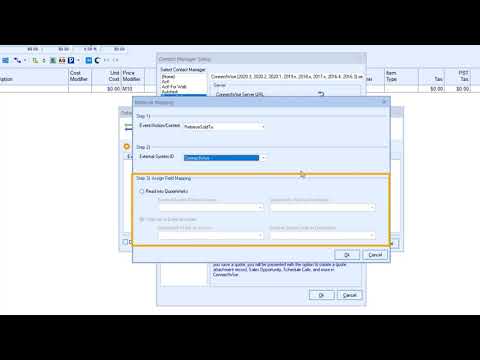 Pulling CRM field data with the DataLinkDemonstrates how to use the Datalink feature to pull additional field information from your contact manager into QuoteWerks such as Terms.
 -
 Sales Tax Rate from ConnectWise with the DataLinkDemonstrates how to use the Datalink feature to pull the Sales Tax Rate from ConnectWise PSA (Manage) into QuoteWerks.
 -
 Sales Tax Rate from Autotask with the DataLinkDemonstrates how to use the Datalink feature to pull the Sales Tax Rate from Autotask into QuoteWerks.
 -
 Create New Contacts in your CRM or PSADemonstrates how to use Create New Contacts in your CRM or PSA from QuoteWerks
 -
 Quickly Display a Contact in your CRMDo you integrate your QuoteWerks with a CRM or PSA? Would you like to save time trying to find a contact in your contact manager? QuoteWerks can help save you time!
QuoteWerks Web
Learn more about QuoteWerks Web.
-
QuoteWerks Web - IntroductionA short introduction to QuoteWerks Web. If you are using QuoteWerks Desktop to automate your sales process, QuoteWerks Web is the next step in the evolution of your sales team.
-
 QuoteWerks Web - Remote WorkforceWith more of the labor force working remotely, being able to create your quotes from anywhere is even more important. See how QuoteWerks Web can help!
 -
 QuoteWerks Web Overview WebinarThis webinar demonstrates the major features of QuoteWerks Web including Real-time and Etilize, QuoteValet, and much more. This video is a great overview of how easily QuoteWerks Web can be added to an existing QuoteWerks Desktop installation.
 -
 QW Web & ConnectWiseIntroducing QuoteWerks Web with ConnectWise Manage! During this video we walk through how you can use QuoteWerks Web inside of ConnectWise to generate a quote, create an opportunity, deliver and close the quote in QuoteWerks Web without having to leave ConnectWise!
 -
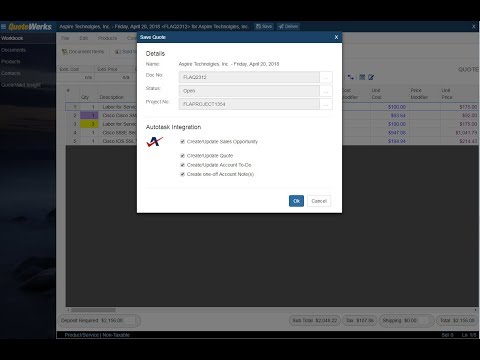 QW Web & AutotaskSee how easy it is to create, edit, and deliver quotes using QuoteWerks Web. This video covers the major features of QuoteWerks Web and how it integrates with Autotask.
 -
 QW Web & Kaseya BMSThis video covers the major features of QuoteWerks Web and how it integrates with Kaseya BMS. See how easy it is to create, edit, and deliver quotes using QuoteWerks Web.
 -
 QW Web & Salesforce.comSee how easy it is to create, edit, and deliver quotes using QuoteWerks Web. This video covers the major features of QuoteWerks Web and how it integrates with Salesforce.com.
 -
 QW Web & Microsoft Dynamics CRMSee how easy it is to create, edit, and deliver quotes using QuoteWerks Web. This video covers the major features of QuoteWerks Web and how it integrates with Microsoft Dynamics CRM (MS CRM).
 -
 QW Web & Zoho CRMThis video demonstrates the available features in QuoteWerks Web and how it seamlessly integrates with Zoho CRM
 -
 QW Web & HubSpot CRMThis video demonstrates the available features in QuoteWerks Web and how it seamlessly integrates with HubSpot CRM
 -
 Drag and Drop in QuoteWerks WebThis video demonstrates the how to move line items in a document in QuoteWerks Web using Drag and Drop.
 -
 QuoteValet Dashboard in QuoteWerks WebThis video introduces you to the QuoteValet Dashboard on QuoteWerks Web. The QuoteValet Dashboard can be easily access on the side navigation bar in QuoteWerks Web. You can easily see when a customer has viewed or accepted a quote, made adjustments to a quote, paid, and more!
 -
 Line Attributes Overview in QuoteWerks WebIn this video, we go over the Line Attribute settings in QuoteWerks Web. Line Attributes allow you to add characteristics to individual items; for example, hiding the price of a product or service. Line attributes is a great feature that gives flexibility to customize your quotes.
 -
 Create New CRM ContactsIn this video, learn how to create new contacts from QuoteWerks Web in your CRM and PSA.
 -
 Bundles in QuoteWerks WebIn this video, learn how to use Bundles or Kits with QuoteWerks Web.
 -
 Compare Items using EtilizeDid you know that Quotewerks Web allows you to compare Etilize items before adding them to the quote? It's easy and will save you time! This short video demonstrates how to use this powerful feature!
 -
 Apply Quantity - Multiple ItemsHave you ever wanted to apply quantity changes to multiple items at the same time without having to change each individually? Find out how!
 -
 Help in QuoteWerks WebIn this video, we explore the QuoteWerks Web "Help Button," located on the left-hand side of your QuoteWerks Web interface.
 -
 Visually Organize DocumentsIn this video, we highlighted the lower right-hand buttons in QuoteWerks Web, as well as the Change Background Image button.
VendorRFQ
Learn more about VendorRFQ.
-
What is VendorRFQ?VendorRFQ enables customers to communicate with their vendors, discussing and negotiating pricing and details for goods and services, collecting and organizing this information from one or all of their vendors.
-
 VendorRFQ IntroductionSee how easy it is to submit RFQs to multiple vendors and then select and award winning bids.
Training Videos
Getting Started
-
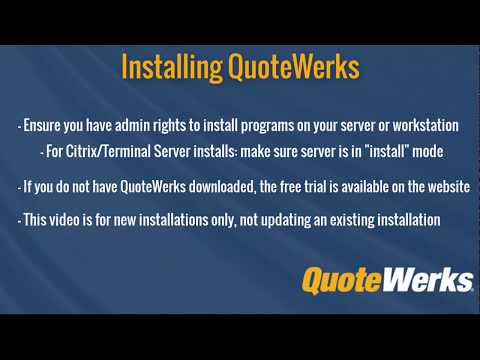 How to install QuoteWerksThis step-by-step video walks you through downloading and installing QuoteWerks (both a local installation and a network installation), including how to enter license keys and do your initial basic setup.
 -
 Getting Started with QuoteWerksNow that you have downloaded and installed QuoteWerks, you may be asking yourself, "What do I do next?" In this video, it will demonstrate how to get started and set up QuoteWerks. It will show you how to set up a contact manager, import a product database, customize a quote layout, and create your first quote.
 -
 How To Update/Upgrade QuoteWerksThis video will demonstrate how to update your current QuoteWerks installation to the most recent version or build so you are always up to date!
 -
 Adding License Keys & Logging inThis short video will walk you through how to find and open QuoteWerks after it has been installed. We will also show you how to add license keys to QuoteWerks and how to log in after keys have been added.
 -
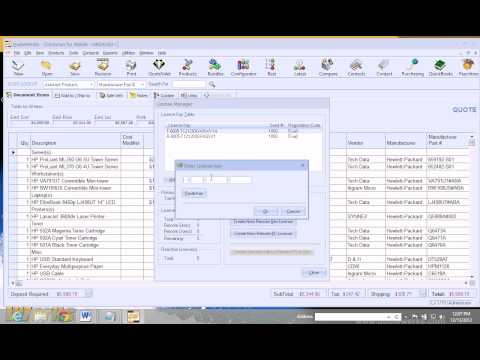 Replacing Product Content Subscription License KeyThis step-by-step video walks you through how to enter your renewed annual subscription License Key for your Product Content Subscription (Powered by Etilize).
 -
 Using Redemption CodesHow to apply a redemption code in QuoteWerks.
 -
 QuoteWerks Database HostingHow to rehost your QuoteWerks installation to the QuoteWerks Hosted Database subscription and connect it with your QuoteWerks Web Subscription.
QuoteValet
-
 QuoteValet - 3 minute setupIn this video, you will learn how to setup QuoteValet in QuoteWerks for the first time. This includes entering QuoteValet Tenant Credentials, Uploading your company letterhead, using Sales Rep Pictures, and more.
 -
 QuoteValet Mobile - Creating your first quoteThis step-by-step video walks you through creating your first quote on QuoteValet Mobile.
 -
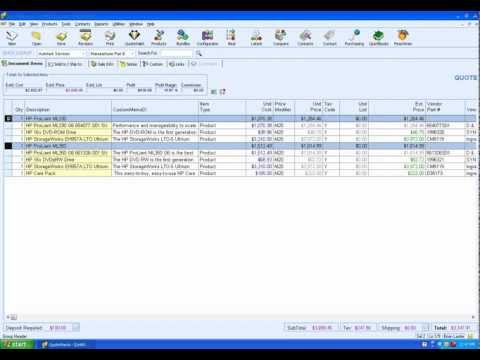 QuoteValet Mobile - Creating TemplatesDemonstrates how to create quote templates on QuoteValet Mobile.
 -
 QuoteValet Mobile - Adding icon to your iPadDemonstrates how to create an icon on your iPad to launch QuoteValet Mobile and also how to default your tenant account number and Login name to avoid having to re-type it every time..
 -
 QuoteValet Insight HighlightsThis video is a high level overview of what QuoteValet Inight is. QuoteValet Insight is a browser-based solution that gives user’s insight into the progress of the company’s documents that have been uploaded to QuoteValet.
 -
 QuoteValet InsightDemonstrates how to use and setup QuoteValet Insight.
 -
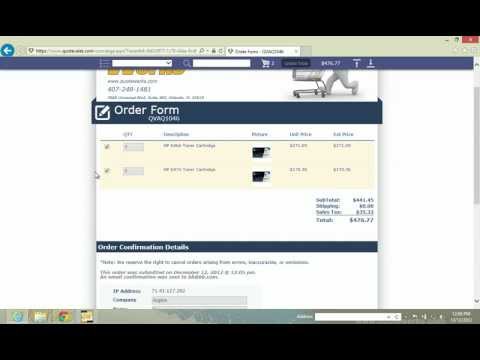 QuoteValet Shopping CartDemonstrates how to use the QuoteValet Shopping Cart.
 -
 Capture Written Signatures with QuoteValetDemonstrates how to Setup and Use written signatures with QuoteValet templates.
 -
 Enable Customer Quantity ChangesDemonstrates how to enable customers to be able to modify quantities of items on your QuoteValet template.
 -
 QuoteValet Maintaining OrderForms and Mobile TemplatesDemonstrates how to maintain QuoteValet OrderForms and QuoteValet Mobile Templates. This includes how to know what Templates and OrderForms have been uploaded to QuoteValet, obtaining QuoteValet Shopping Cart URLs for sending to customers, and modifying/removing Shopping Cart OrderForms and Mobile Templates.
 -
QuoteValet OverviewThis short video will introduce you to QuoteValet - Modern Quote Delivery.
-
 Add Videos to QuoteValet DocumentsIn this short video we demonstrate how you can quickly and easily link YouTube videos to your QuoteValet documents.
 -
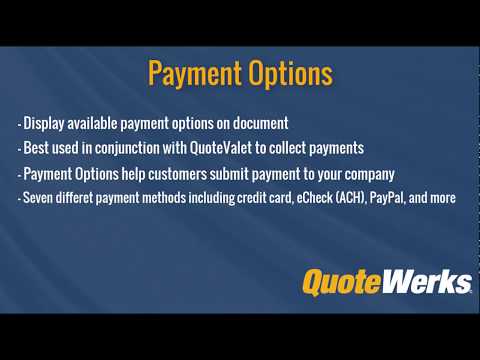 Payment OptionsUse Payment Options on your documents to easily collect payments from your customers through QuoteValet. By utilizing Payment Options you can simplify how customers can pay you and offer a variety of payment options.
 -
 QuoteValet File SharingShare files with your clients directly through QuoteValet. Using the QuoteValet File Share feature, you and your clients can directly share files between each other that are needed to complete the deal.
 -
 QuoteValet Auto CalculationsWouldn’t it be nice if QuoteValet totals would just auto calculate without having to click the refresh button each time? Other customer’s wanted this feature too! So… QuoteWerks made it happen!
 -
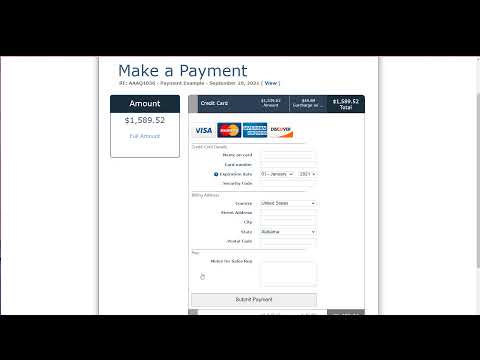 QuoteValet - Supported Payment GateWaysDid you know that QuoteWerks/QuoteValet supports over 80 payment gateways?
 -
 QuoteValet - IntroductionA quick introduction to QuoteValet for QuoteWerks
 -
 QuoteValet - Branding & CustomizationsTake a deeper dive into QuoteValet by learning how to customize the HTML/CSS, support Credit Card payments, and other important feature sets within QuoteWerks' electronic delivery tool.
 -
 Custom URL Feature in QuoteValetIn this video, we will go through the process of customizing the URL your customers will see when receiving a quote through QuoteValet.
Products
-
 Importing ProductsDemonstrates how to import products using the Product Import Wizard.
 -
 Importing Products into foldersDemonstrates how to import products into product folders and sub-folders.
 -
 Bundles - IntroductionA Short introduction to Bundles in QuoteWerks.
 -
 Bundles - BasicsDemonstrates the different types of bundles in QuoteWerks and how to setup and use them.
 -
 Bundles - AdvancedThis video builds upon the Bundles Basics video adding advanced features such as comments and subtotals to your bundles.
 -
 Configurator - BasicDemonstrates the different types of configurations in QuoteWerks and how to setup and use them.
 -
 Configurator - IntermediateThis video builds upon the Configurator Basics video including setting the quantity for your item, the sort code, line type, and item attributes.
 -
 Configurator - AdvancedThis video builds upon the basic Configurator Basics video adding advanced features such as when to use product, navigation, and default branches..
 -
 Required and Optional ItemsRequired and Optional Items are an easy way to include items automatically to your QuoteWerks documents without having to search or remember to add them.
 -
 Paste SpecialDo you receive quotes from vendors? Do you have reps creating quotes in Excel? Use the QuoteWerks Paste Special tool to easily import quotes in Excel directly into QuoteWerks with just a few clicks!
Layout Designer, Word Merging, and Reporting
-
 Layout Designer - BeginnerIn this video, we review the basics of editing and customizing your QuoteWerks Print Layouts.
 -
 Layout Designer - IntermediateIn this video, we review the editing and customizing your QuoteWerks Print Layouts from an Intermediate level.
 -
 Introduction to ReportingWalk alongside one of our Senior Technical Support Representatives as we create a brand new report so you can see the full scale of the powerful and built-in reporting capabilities of QuoteWerks.
 -
 Word Merging ProposalsDemonstrates how to create Microsoft Word based quotes and proposals from within QuoteWerks rather than using our built-in layout designer.
 -
 Layout Designer - IntroductionDemonstrates how to use the QuoteWerks Layout Designer to customize the printed lookup of your quotes.
 -
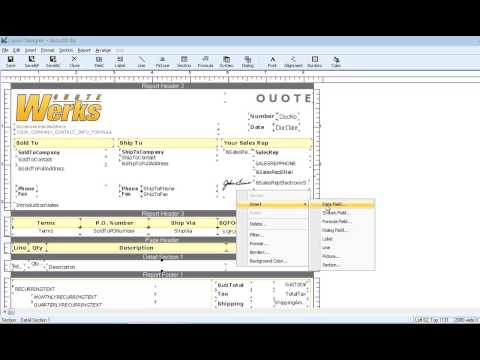 Layout Designer - AppliedDemonstrates how to use the QuoteWerks Layout Designer to customize the printed lookup of your quotes.
 -
 Creating formulas in the Layout DesignerThis video will introduce you to basic formula design in the QuoteWerks layout designer.
 -
 Creating Proposals with QuoteWerksQuoteWerks can be used to create many documents in the sales process from Quote to Proposal. This video demonstrates how quickly and easily you can create a proposal with word editable items in QuoteWerks.
 -
 Creating Page Breaks in the Layout DesignerThis video will show you how you can create page breaks on your QuoteWerks layout. This video also introduces you to multiple Detail Sections within the same layout.
 -
 Creating a Profit Amount formula in the Layout DesignerThis video walks you through creating a profit amount formula on the QuoteWerks layout.
 -
 Placing images or logos on the top of every page in the Layout DesignerThis video walks you through modifying your layout to have your logo or other fields on the top of every page. The video uses a Section Filter to accomplish thi
 -
 Using Heading lines to divide your quotes into sectionsThis video walks you through modifying your layout to use Heading Lines to divide your quotes into sections.
 -
 Printing your logo on every pageThis video you will show you a simple technique for updating a QuoteWerks print layout so that a company logo will print at the top of every page instead of just the first page.
 -
 Creating Manual Page BreaksThis video demonstrates a technique for creating page breaks in the QuoteWerks Layout Designers for printed/emailed documents using special line items in our quote.
 -
 Word Merging II - The Links TabThis video will expand on the Microsoft Word Merging Functionality found in QuoteWerks focusing on the Links Tab.
Accounting
-
QuoteWerks Integrates with QuickBooksDid you know that QuoteWerks integrates with both QuickBooks Online and QuickBooks Desktop - keeping your sales people out of your accounting software?
-
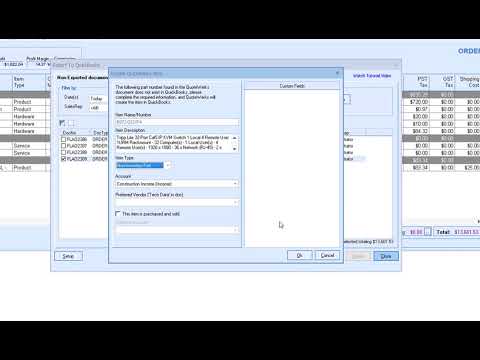 QuickBooks IntegrationDemonstrates the QuoteWerks integration with QuickBooks.
 -
 QuickBooks Integration SetupDemonstrates how to setup and configure the QuoteWerks QuickBooks Accounting Integration.
 -
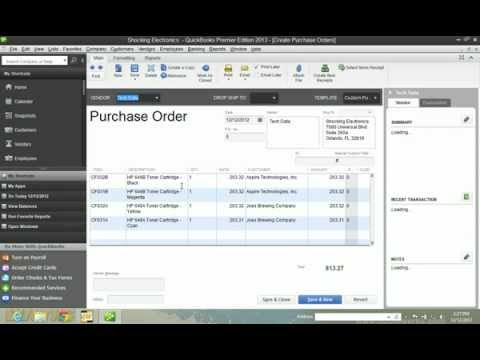 QuickBooks PO IntegrationDemonstrates the QuoteWerks PO integration with QuickBooks.
 -
 QuickBooks Online: Invoice / Estimate / Sales OrderDemonstrates the QuoteWerks integration with QuickBooks Online creating an Invoice.
 -
 QuickBooks Online: Purchase OrdersDemonstrates the QuoteWerks PO integration with QuickBooks Online.
 -
 Sage 50/Peachtree IntegrationDemonstrates the QuoteWerks integration with Peachtree.
 -
 Sage 50/Peachtree Integration SetupDemonstrates how to setup and configure the QuoteWerks Peachtree Accounting Integration.
Misc
-
 Apply Multi-Line ChangesThis video demonstrates how you can select multiple lines and change the selected lines vendor, quantities, pricing, and many other fields with a click of a button! Making edits in your quotes has never been easier or more efficient.
 -
 Line Item Quantity LinkingLink item quantities to each other using the Set Dependent Quantity feature. You can link a parent item to one ore more child items and when the parent's quantity is changed, the child items will automatically be updated to keep the original quantity ratio.
 -
 Section HeadersEasily organize your quote into sections to breakdown your quote into project phases, physical locations, item categories and more. Separate the document into visually appealing and easy to read sections with automatic subtotals.
 -
 Simple LaborInclude labor charges with line items! Link a labor charge as a line item to a parent item so that when the parent's item is changed, the labor quantity automatically changes with it.
 -
 Dynamic NotesAn overview of Dynamic Notes on the Notes tab in QuoteWerks. You can easily insert a user's name and time and date with a push of a button!
 -
 Summary LinesThe Summary Lines feature includes the ability to total Section Headers in QuoteWerks. This makes it easier than ever to summarize recurring revenue in sections such as monthly, quarterly, and annual totals for a particular section.
 -
 FedEx/UPS Shipping IntegrationDemonstrates how to use the FedEx/UPS Shipping Integration.
 -
 Sales Tax Rate LookupDemonstrates our sales tax rate lookup feature.
 -
 Mutually Exclusive OptionsDemonstrates how to use Optional Groups and Mutually Exclusive Options to control the options your customers can choose, especially with QuoteValet.
 -
 QuoteWerks SMTP Email SetupDemonstrates how to setup the QuoteWerks SMTP email client.
 -
 Database Rollout and Document SyncThis video will walk you through the Database Rollout available in the Corporate Edition as well as the Document Sync available in both the Professional and Corporate Editions of QuoteWerks.
 -
 Using QuoteWerks HTML EmailDemonstrates how to use the QuoteWerks HTML Email client.
 -
 Launching Templates from ShortcutsDemonstrates creating desktop shortcuts to launch QuoteWerks and create a new quote from one of several quote templates.
 -
 Using Select SpecialDemonstrates how to use the Select Special feature for quickly finding and manipulating line items that meet certain criteria.
 -
 Document RightsDemonstrates how to setup different security settings / rights within QuoteWerks for Document Access Rights.
 -
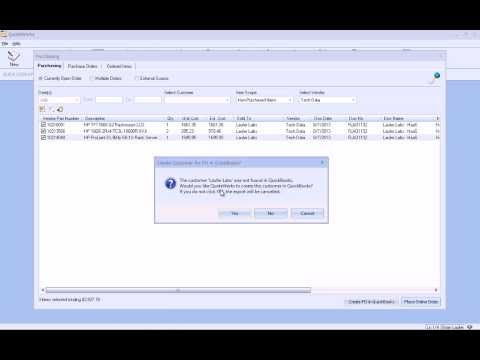 Recurring Groups / HaaSDemonstrates how to use Recurring Groups in QuoteWerks (Hardware as a Service / HaaS).
 -
 Multi-Level Undo RedoThis short video will introduce you to the multi-level Undo/Redo Functionality found in QuoteWerks.
 -
 Active Quotes PanelWhen creating a new quote and selecting the contact you are creating the quote for, any active quotes for that contact will automatically be displayed in the Active Quotes Panel.
 -
 Introduction To ScriptingThis video will introduce you to scripting in QuoteWerks. QuoteWerks has built-in VB scripting in the Corporate Edition which enables you to write code to extend the functionality of QuoteWerks including performing special validations, checking for combinations of items, and more. QuoteWerks Scripting takes advantage of API events within the application itself without the need of an externally written application.
 -
 QuoteWerks My Summary DashboardThis Dashboard provides a high-level overview of your total dollar amount and number of quotes and orders from the current month, last month, and two months ago.
 -
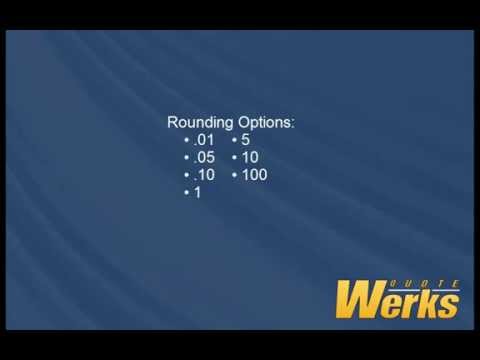 Rounding with the Price ModifierThis video will introduce you to rounding in QuoteWerks using the Price Modifier. You can round to the nearest Penny, 5 Cents, 10 cents, Dollar, 5 Dollars, 10 dollars, and even 100 dollars.
 -
 Drop Down ListsThis Video will introduce you to the Manufacturer Part Number and Vendor Drop Down Menus on the Quote Workbook. The Manufacturer Part Number column on the Document Items tab supports a drop down list of part numbers. If the Vendor Column is empty, The Manufacturer Part Number column drop down will return a list of all products in the selected Quick Lookup Database. If you have a vendor specified on the same line, QuoteWerks will return that Vendor's database instead of the Quick Lookup vendor's database. If you have a lot of items in your database and know what the part number begins with, you can type in the first few letters of the part number, hold down shift and click on the drop down. This will show you only the part numbers that begin with those letters.
 -
 Email Tracking NumbersA great feature of the Purchasing screen is the ability to quickly email an updated status of items to your customer. How many times have your customers asked, when is my server coming in? We have simplified the process with a simple right click to email your customer the tracking number that is even hyper-linked for them.
 -
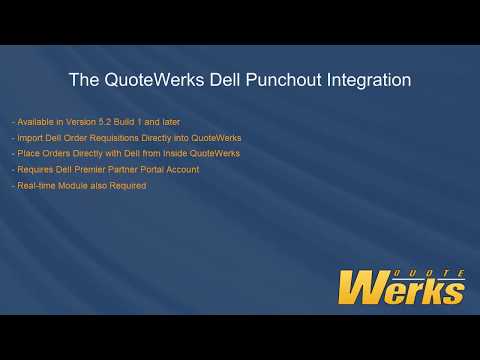 Dell Punchout IntegrationThis short video demonstrates how to use QuoteWerks to import Dell Order Requisitions into QuoteWerks and how to setup the integration. You will need to have a Dell Premier account in order to use this integration as well as the Real-time module for QuoteWerks.
 -
 Exclude Etilize ResultsEasily exclude results from your Etilize search to remove items that are outdated, unavailable, or you simply do not sell.
 -
 Multiple Shopping Carts in QuoteValetSelect the OrderForm template for your shopping cart pages to take advantage of various features and settings in each template.
 -
 Modify HTML PO TemplateThis short video will demonstrate where and how you can make changes to the default PO email template found on the Purchase Orders tab of the QuoteWerks Purchasing Window.
 -
 Using QuoteWerks CommandsThis introduction video provides a brief overview of how you can use QuoteWerks Commands to edit, update, and remove settings in your installation and across multiple users.
 -
 Track Approvals in QuoteValet InsightThis video demonstrates how you can use the drop-down menu on the Approvals Dashboard in QuoteValet Insight to filter between documents that need approval and which documents have had the approval request denied.
 -
 Using Windows Authentication to Login into QuoteWerksThis video walks you through the simple setup of using Windows Authentication to log into QuoteWerks.
 -
 Licensing and Security EnhancementsThis video demonstrates how you can log users out of QuoteWerks in order to release a license for another user or terminate an installation to run the updates.
 -
 Drag and Drop Line ItemsThis short video demonstrates how you can easily drag and drop single or multiple line items in QuoteWerks.
 -
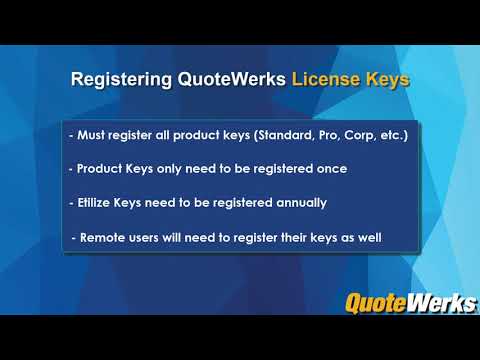 Adding & Registering License KeysThis video will walk you through how to add new licenses to QuoteWerks and then request and register these new keys.
 -
 Creating & Managing UsersThis video will walk you through how to create, edit, and manage your QuoteWerks users.
 -
 Creating & Using Document TemplatesCreate templates in QuoteWerks to simplify the process of creating quotes or to help introduce new users to QuoteWerks. Creating and using templates is easy, efficient, and only takes a few minutes to set up.
 -
 Document ApprovalsNever send out unauthorized documents again. Utilize QuoteWerks Document Approvals to ensure your documents are accurate, within margin, and management approved before sending them to clients.
 -
 Using Peer ReviewsThis video walks through how to use the QuoteWerks Peer Review to collaborate with other users in your installation. Users can post notes and offer suggestions on the document before it is delivered to the customer.
 -
 Group Price OverrideThis short video will demonstrate how you can use Group Price Override to quickly and easily adjust the pricing of your bundles or groups to clean, round numbers without any complex calculations.
 -
 Search and FindEasily search and find any text, number, or data in a Document Items field in QuoteWerks! This video will demonstrate how easy it is to quickly and efficiently search and locate important data in your documents.
 -
 Email TemplatesHow to customize and start using email templates in QuoteWerks. Learn how to add macros, create templates for individual users, use snippets, and more.
 -
 Show or Hide Grid Toolbar IconsThis short video will demonstrate how you can show or hide specific features on the QuoteWerks Grid Toolbar. This per-user setting provides another excellent opportunity to customize QuoteWerks for your team.
 -
 Access Rights for Layouts, Cover Pages, and LiteratureEnable access rights on cover pages, layouts, and literature files. Choose which users and groups can view and modify these files. Streamline your Deliver Window for your users so only the files they need to see are visible.
 -
 Section Headers, Heading And Summary LinesIn this video we go over the similarities and differences between Section Headers, Heading Lines and Summary Lines and how to add them to a document. They are powerful tools that help organize your quotes for your customers. They work together to create a cohesive and professional quote!
 -
 Product Price HistoryIn this video, we go over the Product Price History Features in QuoteWerks! The Product Price History window will display a list of documents that contain specific items and customers based on the search criteria.
 -
 Data Manager OverviewIn this video, we go over the explore the QuoteWerks Data Manager including the Export tab, providing insights into creating template DataSet files and comprehensive exports.
IT Industry Solutions
-
 Etilize Product ContentThe QuoteWerks Product Content Subscription (powered by Etilize) provides customers in the IT industry with consumer friendly product descriptions, product images, and marketing descriptions.
 -
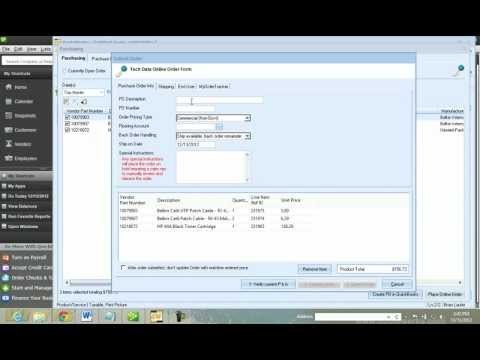 Placing Electronic Orders - OverviewIn this video, we use the Purchasing window to place an order with our distributor, Tech Data, then send the Purchase Order to QuickBooks, and lastly we retrieve real-time order status shipping tracking and serial numbers..
 -
 QuoteWerks Procurement TrackingFor Online Orders placed through QuoteWerks order status updates are available. You can see real-time order statuses including line item shipping status, estimated ship date, ship date, warehouse fulfillment locations, shipping tracking numbers, product serial numbers, and more.
 -
 Personalized Demo by our CEOWhile speaking with customers at IT Nation 2013, we found that most of our customers wanted help setting up and learning how to better use QuoteWerks. We also found that most of our customers didn't know about the solutions we've released over the last two years. Watch John's video to see what you don't know about QuoteWerks.
 -
 Dell Quote ImporterDemonstrates how to use the QuoteWerks Quote Importer to import quotes emailed by your Dell sales rep, Dell Premier eQuotes that you create yourself, and even import a quote that you are working on via the Dell Premier Portal.
 -
 HP iQuote ImporterDemonstrates how to use the QuoteWerks Quote Importer to import quotes you create on HP iQuote. HP iQuote is HP's channel sales and quotation cloud service that ensures order accuracy, improves the efficiency of presales teams and reduces the risk of error.
 -
 Cisco's Quick Pricing Tool (QPT) ImporterDemonstrates how to use the QuoteWerks Quote Importer to import quotes that you create with Cisco's QPT utility. QPT ensures order accuracy, improving the efficiency of sales teams and reducing the risk of error.
 -
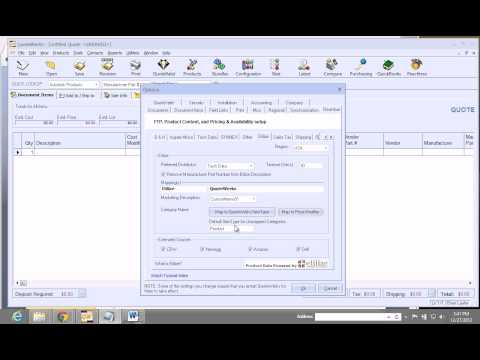 Setting up Realtime Vendor and Content SubscriptionDemonstrates how to setup the Realtime Module with a distributor and Product Content Subscription
 -
 Using Network Assessments to Close more DealsNetwork Assessments are a great way to get your foot in the door with prospects and also a good way to add additional revenue from existing clients.
 -
 Purchasing SourcingDemonstrates Purchasing Sourcing within QuoteWerks. A lot can happen in the 2 weeks between when you quote an item and when your customer wants to move forward with the order. Your cost can change, they don�t have it in stock at your preferred warehouse anymore (so it�s going to cost you more in shipping), or even worse, it is on back order for 3 weeks. With QuoteWerks, the real-time module, and the product content subscription, you can see all of your vendors at once with your pricing and availability before you place the order.
 -
 Free Shipping MinimumsDemonstrates how to set free shipping minimums in QuoteWerks when using the electronic ordering or purchase order functionality within QuoteWerks.
 -
 Tech Data Quote Import - List and RetrievalSee how easy it is to select a Tech Data Quote from a list and create a QuoteWerks Quote.
 -
 Ingram Micro Quote Import - List and RetrievalSee how easy it is to select an Ingram Micro Quote from a list and create a QuoteWerks Quote.
 -
 Etilize Favorites, Folders, and the WorkspaceWatch this video to see how you can easily organize the items you sell from Etilize into folders and subfolders in your Public and My Favorites folders. Additionally, see how you can utilize the Workspace in Etilize to hold items for research or comparisons.
Pain Point Webinar Series
Watch our Pain Points Webinar Series, where we dive into common business challenges that companies face when creating quotes and proposals.
-
 Sourcing items from VendorsWith distributor and vendor integrations, the QuoteWerks Real-time Module and Product Content Subscription will make it easier for you to search for in-stock items at the best price.
 -
 Obtaining Signed AgreementsFrom your proposal getting stuck in SPAM, customers wanting changes in the document, waiting for the customer to print, sign and scan the document back, obtaining signatures can be difficult.
 -
 Chasing Customers for PaymentThis webinar covers the pain point of chasing customers for payment collections. Your customer has signed and accepted the document, but days have gone by and you’re still waiting on payment. Does this sound familiar?
 -
 Tired of Creating Similar Quotes Over and Over?This webinar focuses on the challenges of creating new quotes. From creating the same quote repeatedly, starting from scratch or your sales reps don't know where to begin, quote creation can be time consuming.
 -
 Trouble Finding and Managing Your Quotes and Proposals?This webinar focuses on finding and managing quotes and proposal documents. Many times it is difficult to find your previously created quotes and proposals and have to search all over the place. Even when you know the location of your documents, the sheer number of documents and items you need to go through can be challenging.
 -
 Sending Quotes & Proposals Full of Errors?This webinar focuses on how you can utilize Peer Reviews and Document Approvals in QuoteWerks to reduce misquotes from the sales team and start sending error-free quotes today!
 -
 Losing Valuable Time Processing Routine Customer Re-orders?This webinar will focus on the challenges of creating customer re-orders and creating quotes for the masses.
 -
 Struggling to Standardize Sales Reps Quotes and Proposals?This webinar tackles the pain of standardizing quotes and proposals across the organization.
 -
 Spending Hours Retyping Vendor Quote Data Into Your Proposal?This webinar focuses on the challenges of entering external data from vendor quotes into your quote or proposal.
 -
 Struggling to get an overview of your sales performance?This webinar demonstrates how you can utilize QuoteValet Insight to see sales metrics without complicated reports.
 -
 Need to offer more flexible payment options?This webinar focuses on how and why you need to be able to offer flexible payment options for your customers.
 -
 Having trouble keeping your team in the loop during the sales process?We discuss and demonstrate how to keep your entire team in the loop during the sales process.
 -
 Is your procurement process too complicated?We discuss and demonstrate how you can easily use the QuoteWerks Purchasing Module.
 -
 Do you feel limited and constrained when editing your quotes?Learn how to leverage the efficiencies in the Quote Workbook including sorting, cost and price modifiers, drag-and-drop, multi-line updates, select special, and much more!
Webinars
-
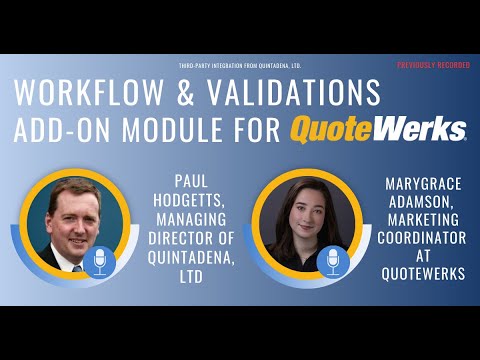 Workflow & Validations Third-Party Add-On ModuleIn the detailed webinar, you'll discover customizable automation features and how this third-party integration simplifies complex tasks such as approval routing and document generation, making your job a breeze. The robust validation rules engine ensures consistent compliance and features like real-time data validation swiftly identify errors, ensuring utmost accuracy in your quoting process.
 -
 QuoteWerks Version 24 Build 1 ReleaseIn this webinar, QuoteWerks Vice President Brian Laufer introduced Version 24, which includes over 25 new features including Sales Tax, Address Verification, and more.
 -
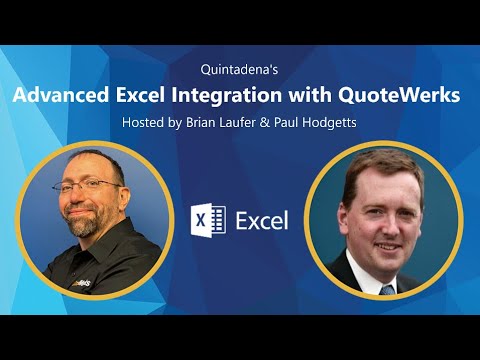 Advanced Excel IntegrationIn this webinar, Quintadena showcased the seamless process of transferring product and line item details from Excel configurators to QuoteWerks.
 -
 QuoteWerks Version 23 Build 5 ReleaseIn this webinar, we review the new features in QuoteWerks QuoteWerks v23 Build 5. These releases contain over 30 new features!
 -
 QuoteWerks ChatGPT WebinarDuring this webinar, we unveiled the remarkable collaboration between Hilltops IT and Prestige Quoting Ltd. that has revolutionized the way you interact with your quoting software by integrating AI into your Quoting Process.
 -
QuoteWerks Web Overview WebinarThis webinar demonstrates the major features of QuoteWerks Web (as of June 2023) including Real-time and Etilize, QuoteValet, and much more. This video is a great overview of how easily QuoteWerks Web can be added to an existing QuoteWerks Desktop installation.
-
 Avalara Integration by Hilltops ITIn this webinar, we reviewed the features of the Avalara Avatax Integration for QuoteWerks by ConnectIt Software / Hilltops IT Consultancy Services, LTD.
 -
 QuoteWerks Version 23 Build 2 ReleaseIn this webinar, we review the new features in QuoteWerks QuoteWerks v23 Build 2. These releases contain over 20 new features!
 -
 QuoteWerks Version 23 Build 1 ReleaseIn this webinar, we review the new features in QuoteWerks QuoteWerks v23 Build 1. These releases contain over 35 new features!
 -
 QuoteWerks Version 5.7 Builds 3 and 4 ReleaseIn this webinar, we review the new features in QuoteWerks QuoteWerks v5.7 Builds 3 and 4. These releases contain over 50 new features!
 -
 An Affordable Option to Close More Deals - WebinarIn this webinar, we discuss offering Affordable Options to your customers to close more deals with QuoteWerks and GreatAmerica. We provide a live demo of how leasing works in QuoteWerks Desktop and QuoteWerks Web along with QuoteValet.
 -
 QuoteWerks Version 5.7 ReleaseIn this webinar, we review the new features in QuoteWerks QuoteWerks v5.7 Build 1. These releases contain over 30 new features including: VendorRFQ, Amazon Business Pricing, Zoho CRM Quotes and Products, Product Sourcing Panel, Reporting on POs, and much more!
 -
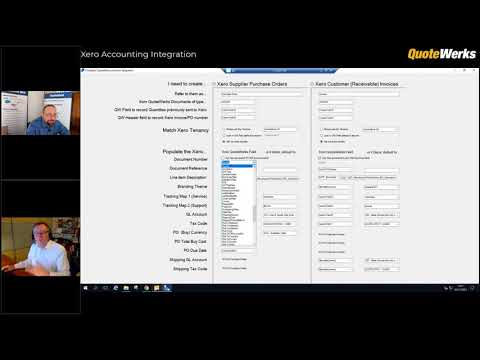 Xero Accounting IntegrationOverview of Quintadena's Xero Accounting Integration to QuoteWerks. The enables the creation of Xero Customer (Receivable) Invoices and Supplier Purchase Orders at the click of a menu item from within QuoteWerks.
 -
 QuoteWerks Version 5.6 Builds 4 & 5 ReleaseQuoteWerks Version 5.6 Builds 4 & 5 are here! These releases include over 32 new features and 13 miscellaneous features. Hightlights include QuoteValet Auto-Calculations, UK Real-Time Partner: ProVu Communications, New Company Shortcuts and existing integration improvements.
 -
 Live Chat for QuoteValetClients are demanding ever increasing levels of service and often expect very prompt responses. With Online Chat for QuoteValet, your clients can interact with your team in real-time.
 -
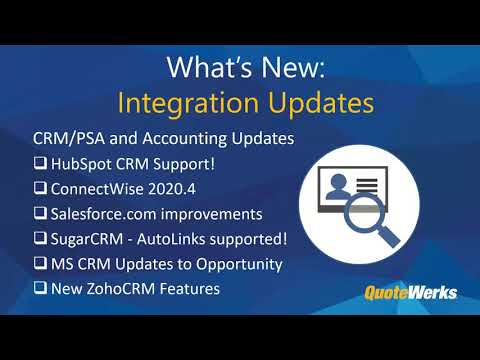 QuoteWerks Version 5.6 Builds 2 & 3 ReleaseQuoteWerks Version 5.6 Builds 2 & 3 are here! These releases include over 49 new features and 18 miscellaneous features and provide new integrations including HubSpot CRM and existing integration improvements.
 -
 QuoteWerks Web Overview Webinar (April 2020)This webinar demonstrated the major features of QuoteWerks Web (as of 2020) including Real-time and Etilize, QuoteValet, and much more. This video is a great overview of how easily QuoteWerks Web can be added to an existing QuoteWerks Desktop installation.
 -
 QuoteWerks Year in Review for 2020!Start off 2021 by utilizing all the major features we released in 2020! During this webinar, we walk through the features that were added in the last year and how you can start using them to save time in 2021!
 -
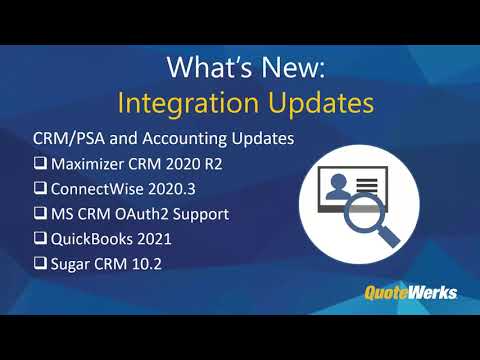 QuoteWerks Version 5.6 Release WebinarDuring this webinar, we introduce and demonstrate the newest features in QuoteWerks, Version 5.6! Our latest release includes new features such as Access Rights for layouts, covers, and literature documents, the ability to re-export POs, customizable grid toolbar buttons, new Tech Data and Synnex Quote importers, and much more!
 -
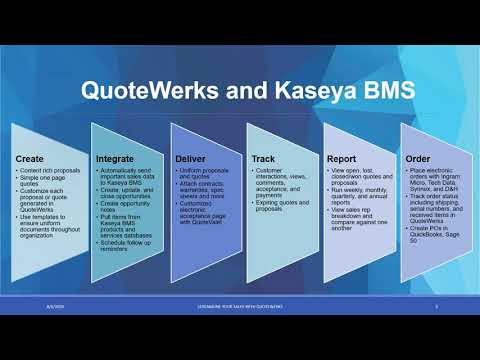 QuoteWerks and Kaseya BMS Integration WebinarThis webinar focuses on the QuoteWerks written integration into Kaseya BMS! We demonstrate how to use the integration and some steps you can take for setup to get the most out of your integration.
 -
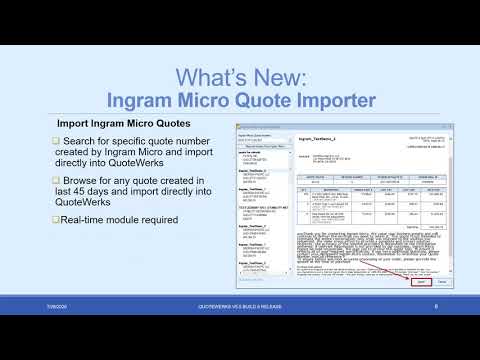 Version 5.5 Build 5 Release WebinarThis webinar focuses on the new features and how to use them in the latest version of QuoteWerks, Version 5.5 Build 5. This includes demonstrating the Ingram Micro Quote Importer, Kaseya BMS Integration, new Excel-like Grid Navigation, and much more!
 -
 Close More Sales with QuoteValet WebinarQuoteValet helps automate your sales process by making it significantly easier for your clients to sign, accept, and make payment on their quotes and proposals. This webinar will demonstrate how you can use QuoteValet with QuoteWerks to streamline your sales process even further.
 -
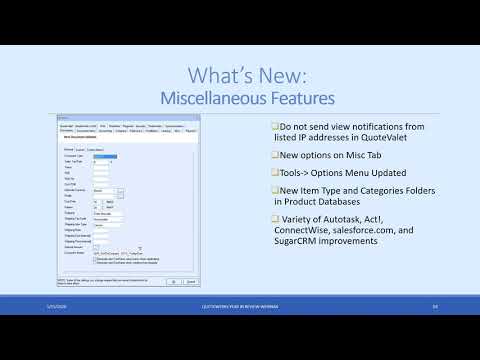 QuoteWerks Year in Review for 2019In this webinar, we discussed and demonstrated the most notable features from 2019 and how you can start utilizing them in your installation. These included the new Amazon Business integration, the new QuoteValet File Share, Etilize Stock Check, and much more!
 -
 QuoteWerks Version 5.5 Release WebinarThis webinar walks through some of the major new features available in the latest release of QuoteWerks, Version 5.5 Build 1. See how to utilize our new QuoteValet File Sharing feature, utilize our totaling feature in deposits, dynamic folder additions for items, and much more.
 -
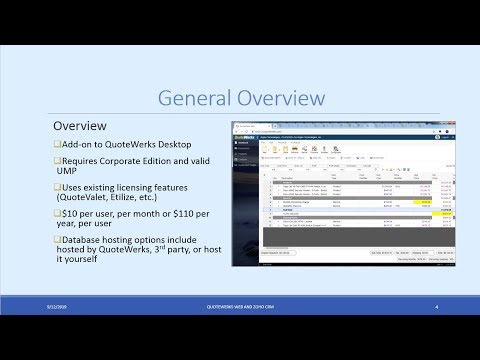 QuoteWerks Web and Zoho CRM Integration WebinarThis webinar demonstrates the QuoteWerks Web features and how it seamlessly integrates with Zoho CRM
 -
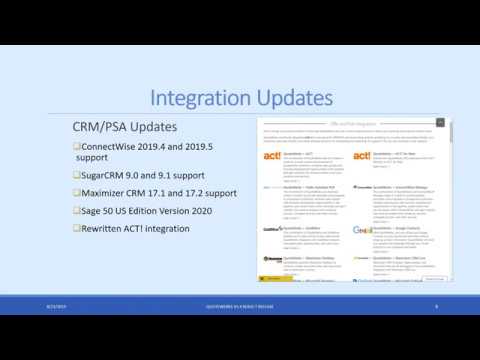 QuoteWerks Version 5.4 Build 7 Release WebinarThis webinar walks through the major features released in QuoteWerks Version 5.4 Build 7 and how to use them in your installation including the new Etilize improvements, new ACT! integration, new email template features, and much more.
 -
 QuoteWerks Web and MS CRM Integration WebinarDuring this webinar, we demonstrated and walked through how to set up and start using the QuoteWerks integration with MS Dynamics CRM!
 -
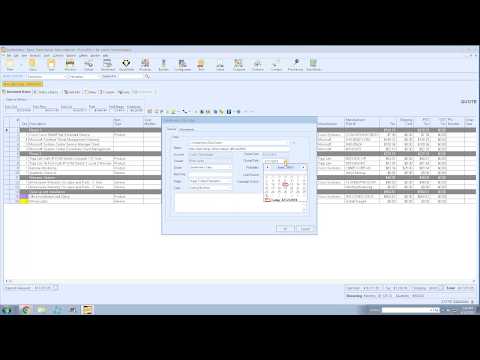 QuoteWerks and Zoho CRM Integration WebinarDuring this webinar, we demonstrated and walked through how to set up and start using the QuoteWerks integration with Zoho CRM!
 -
 QuoteWerks Version 5.4 Builds 2 and 3 Release WebinarJoin us for our release webinar where we demonstrate the new features available in QuoteWerks Version 5.4 Builds 2 and 3 including our new Amazon Product Search, Zoho CRM integration, updated QuickBooks integration, Purchasing Enhancements, and much more!
 -
 QuoteWerks Year in Review for 2018! WebinarDuring this webinar, we walk through some of the major features in QuoteWerks that were released in 2018 and show you how easy it is to start using them in your installation to save time in 2019!
 -
QuoteWerks Version 5.4 Release Webinar!This webinar walks through the major features released in QuoteWerks Version 5.4 including search and find, sort and organize, group bundle override, and much more!
-
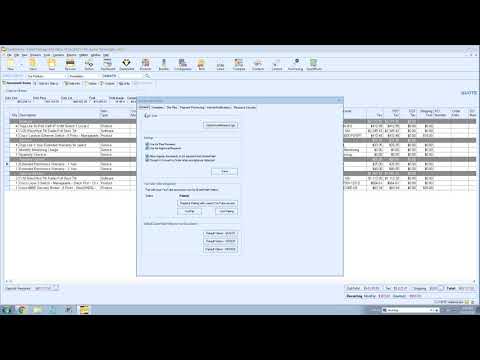 Close more sales with QuoteValet!During this webinar we walked through the available features in QuoteValet including, setting up options, posting comments, running reports, and much more.
 -
 QuoteWerks Web: Salesforce.com Integration WebinarDuring this webinar, we demonstrated how to use QuoteWerks Web with salesforce.com to automate the creation and delivery of your sales quotes and proposals.
 -
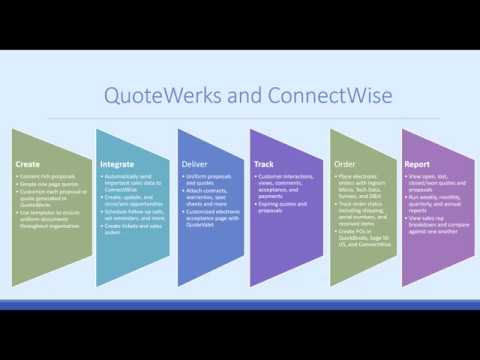 ConnectWise ManageAre you evaluating QuoteWerks? Check out this short webinar where we demonstrate how QuoteWerks integrates with ConnectWise Manage, IT distributors, QuoteValet, and more!
 -
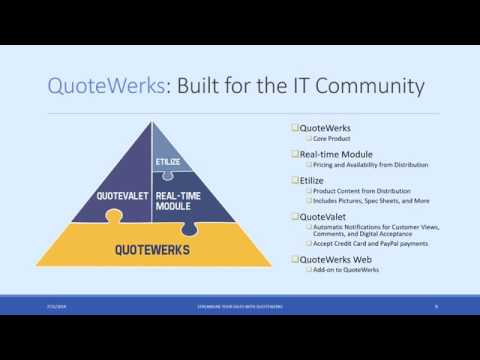 QuoteWerks IntroductionAre you looking to streamline your sales process? Watch this 30-minute webinar where we demonstrate the time-saving features of QuoteWerks including our integrations with the IT Distributors, electronic delivery of documents, and even purchasing.
 -
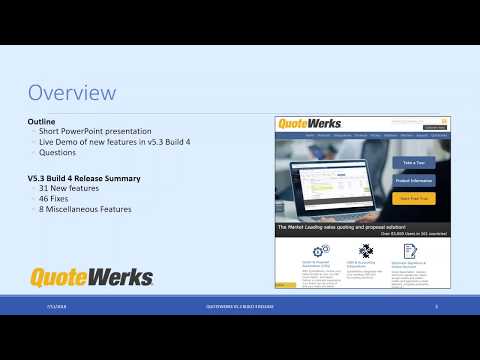 QuoteWerks Version 5.3 Build 4 Release WebinarDuring this webinar, we demonstrated how to utilize the new features in Version 5.3 Build 4 including the new payment options, leasing features, updated integrations, ACH support, and much more!
 -
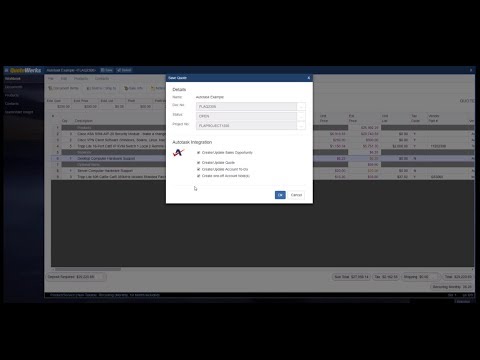 QuoteWerks Web: Autotask Integration WebinarDuring this webinar we demonstrated the integration between QuoteWerks Web and Autotask and we also covered the major functionality available in QuoteWerks Web.
 -
 QuoteWerks Web Launch WebinarJoin us as we demonstrate live, QuoteWerks Web, the next evolution of QuoteWerks. We'll show you the available features and functionality and how easy it is to use! In this webinar we demonstrate QuoteWerks Web with ConnectWise. QuoteWerks Web integrates with other web-based CRMs/PSAs like Autotask, salesforce.com, MS Dynamics CRM, and others.
 -
 QuoteWerks Version 5.3 Build 3 Release Webinar!During this webinar we demonstrated some of the major features available in the latest release of QuoteWerks!
 -
 QuoteWerks Year in Review Webinar - 2017!During this hour long session we demonstrated some of the major new features released in QuoteWerks from 2017 and how they can be utilized to save you time in 2018!
 -
 QuoteWerks Version 5.3 Release WebinarDuring this webinar we demonstrated some of the major new features available in QuoteWerks Version 5.3!
 -
 QuoteWerks and QuickBooks Online WebinarDuring this webinar we demonstrated the available features between QuoteWerks and QuickBooks Online and answered questions from participants.
 -
 QuoteWerks Builds 6&8 Release Webinar!During this hour long session we discussed and demonstrated the new features and capabilities available in Version 5.2 Builds 6&8 including new QuoteValet video support, QuickBooks Online Support, Windows Authentication Login, and more!
 -
 QuoteWerks Real time and Product Content Subscription Etilize WebinarThis webinar demonstrated the available features in the Real-time and Etilize integrations and how to utilize them to quickly search and retrieve items from distributors as well as the other available features including tax rate lookup, Dell Punchout integration, shipping estimates, and more.
 -
 QuoteWerks Year in Review for 2016! WebinarDid you miss any of the new features released in 2016? No worries! During this hour long session we demonstrated the major new features released in 2016 and how they can save your company time and money in 2017!
 -
 QuoteWerks Version 5 2 Release WebinarDuring this hour long webinar we demonstrated the new features available in QuoteWerks v5.2 and how to use these in your current installation. From Etilize upgrades to new licensing enhancements, this latest release has something for everyone.
 -
 Webinar: Create As-A-Service Quotes with QuoteWerks and GreatAmericaDuring this webinar we discuss the changing landscape of displaying quotes and proposals as a single monthly payment to simplify the sales process for the customer. This webinar will demonstrate exactly how this can be done in QuoteWerks utilizing our leasing functionality.
 -
 New QuoteWerks Etilize Features WebinarDuring this webinar we offered a sneak peak into the new QuoteWerks features available for Product Content Subscribers in V5.1 Build 6 as well as a recap of the key features released over the previous 12 months.
 -
 QuoteWerks Dell Punchout Integration WebinarKnockout your Dell quotes and orders with the QuoteWerks Punchout Integration. Quickly and easily create order requisitions in the Dell Premier site and import them into QuoteWerks to deliver to your client and then process the order from within QuoteWerks.
 -
 Deliver, Collaborate, and Close with QuoteValet [Webinar]In this webinar, learn to utilize QuoteValet to quickly and efficiently create, deliver, and close more sales while simultaneously tracking customer interactions, acceptances, and payments in a fully integrated system.
 -
 2015 QuoteWerks Year in Review WebinarDuring this hour long session we demonstrated some of the major features we released in 2015 and how you can leverage them in your installation for 2016!
 -
 Webinar: QuoteWerks and ConnectBoosterHow Your MSP Can Win More Deals, and Attract More IT Clients, Through a Marquee Quoting Tool
 -
 QuoteWerks Enhanced and Upgraded Etilize Integration WebinarDuring this hour long session we discussed the available security features and how to use them for individual users, groups, and even product sources to restrict and customize your system.
 -
 QuoteWerks Enhanced and Upgraded Etilize Integration WebinarThis webinar demonstrates the new Product Content Functionality introduced in v5.0 Build 4. This release dramatically speeds up the real-time calls to distributors, enables you to narrow your search results, adds compare functionality for Etilize Products, and adds upsell/similar items.
 -
 Webinar: Deliver, Collaborate, and Close with QuoteValetWatch this webinar to see how QuoteValet can save time, track your customer interactions, and help you close more sales by simplifying the acceptance and purchasing of your quotes and proposals through QuoteValet.
 -
 Webinar: 5 Ways to Update Your Proposals to Close More BusinessWatch this webinar to see how you can use QuoteWerks to simplify your quotes by offering lease payment options to your customer. GreatAmerica discusses the benefits of leasing and we demonstrate how to offer these options seamlessly and easily in QuoteWerks
 -
 Webinar: QuoteWerks Year in Review for 2014!Did you miss any of the time saving features QuoteWerks released over the past year? Join us for this webinar where we will discuss and demonstrate the major features released in 2014 and how you can use them to save time in 2015!
 -
 Webinar: QuoteWerks Overview PresentationThis QuoteWerks Webinar focuses on the overall use of QuoteWerks. We demonstrate how to select contacts, add items (including using our IT Distributor integrations) from product sources, how to deliver the quote/proposal to the customer using QuoteValet and via email, how to export to QuickBooks or Sage 50, and finally how to create purchase orders and track items inside of QuoteWerks. This webinar is a great training tool for anyone evaluating QuoteWerks to see why it is a complete solution.
 -
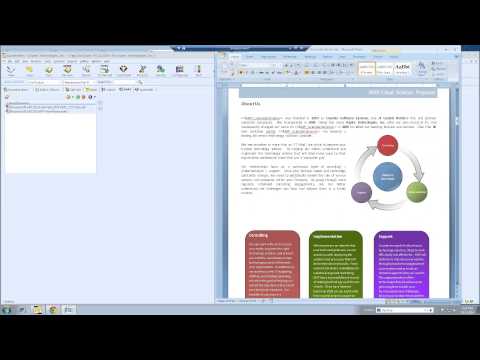 Webinar: The QuoteWerks Links TabDid you know you can create a proposal document directly from the Links tab? Did you know you can attach documents to share with other QuoteWerks users? In this webinar, we discuss the capabilities of the QuoteWerks Links tab. We'll show you how to create proposals, use templates, email documents and more all from the Links tab!
 -
 Webinar: QuoteWerks and ConnectWiseIn this webinar, we demonstrate the available features and functionality between QuoteWerks and ConnectWise. During the last several months we have greatly expanded our integration into ConnectWise where we have added PO support, contact creation support, increased ticket functionality, and much more!
 -
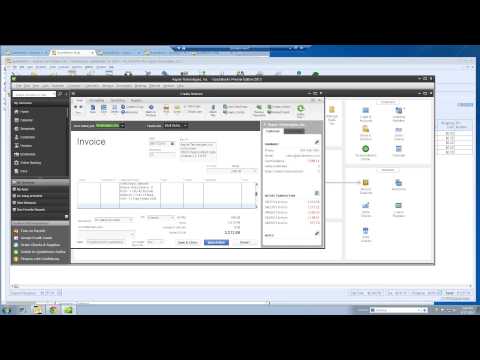 Webinar: QuoteWerks and QuickBooksIn this webinar, we focus on the integration between QuoteWerks and QuickBooks. During this webinar we demonstrate the available features between QuoteWerks and QuickBooks including product support, document creation in QuickBooks, Purchasing support, and more!
 -
 Webinar: QuoteWerks Purchasing ModuleThis QuoteWerks webinar provides an overview of the QuoteWerks Purchasing and Procurement features.
 -
 Webinar: QuoteWerks and Autotask IntegrationThis QuoteWerks webinar provides an overview of the QuoteWerks integration with Autotask.
 -
 Webinar: QuoteValet and QuoteValet WebThis QuoteWerks webinar provides an overview of QuoteValet and QuoteValet Web.
 -
 Webinar: QuoteWerks Integration Features with Tech DataThis webinar will covers the QuoteWerks integration features with Tech Data. Also joining us is Ryan McKenzie, Sr. eBusiness Specalist with Tech Data.
 -
 Webinar: Pricing and Packaging Strategies to Dramatically Increase Recurring RevenueGary Pica of TruMethods along with Brian Laufer of QuoteWerks will share proven methods for pricing and packaging your IT service offerings. If you're recurring revenue is not increasing each and every month you need to hear what Gary has to say.
 -
 Webinar: QuoteWerks Integration with salesforce.comThis webinar provides an overview of the QuoteWerks integration with salesforce.com.
 -
 Webinar: QuoteWerks Support and Training OptionsThis webinar discusses the various training and support options QuoteWerks offers all of our customers.
 -
 Webinar: Learn How to Handle Clients Who Don't PayQuoteWerks has coordinated with The ASCII Group to have one of their community experts - Ken Galenza, a 27+ year credit and collections veteran, speak on the subject. In this webinar, we tackle the topic of cash flow and collections - the do's and don'ts. It's vital for every company to create a process for receivables on how to handle clients are who late in paying their bills. This is a situation nearly every business faces at one time or another, and Ken will show you a receivables system you can put in place as well as timelines and tips on how to broach the subject when you have a late-paying client.
 -
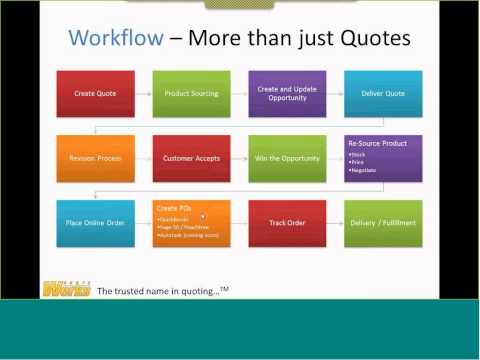 Webinar: Ramp Up Your IT Services Sales with Autotask & QuoteWerksThe combination of QuoteWerks and Autotask makes it simpler to provide estimates and proposals to prospective customers, combine sales quotes with business development opportunities in the pipeline, create orders and service tickets within Autotask, and gain visibility into revenue streams from products, services, managed services, and other sources. Len DiCostanzo, Autotask's SVP of Community & Biz Dev, and Brian Laufer, Vice Prseident at QuoteWerks, discussed on April 30th 2014 their respective solutions and how to get the most out of utilizing them in harmony. Thomas Clancy, Founder & VP of Sales for Valiant Technology, provides input from an MSP utilizing both Autotask & QuoteWerks to grow his business.
 -
 QuoteWerks Sales Rep Training - March 2014This webinar provides an overview of QuoteWerks and QuoteValet from the sales rep perspective. We step through all of the QuoteWerks tabs and toolbar buttons. We then create a quote from start to finish with Product Content, Heading Lines, QuoteValet, etc. We also touch on QuoteValet Web at the end of the webinar.
 -
 QuoteWerks Sales Rep Training - Feb 2014This webinar provides an overview of QuoteWerks and QuoteValet from the sales rep perspective. We step through all of the QuoteWerks tabs and toolbar buttons. We then create a quote from start to finish with Product Content, Heading Lines, QuoteValet, etc. We also touch on QuoteValet Web and answer questions at the end of the webinar.
Customer Testimonials
View customer testimonial videos on our Customer Testimonials page.Tips & Tricks
View our tips & videos on our Tips and Tricks Playlist on YouTube.Training Class Recordings
We record these classes to benefit not only the classroom attendees, but also the entire QuoteWerks community. Each class covers the same material outline, but different questions are asked which can direct the content to go more in depth or cover even more information. See the Recordings
Videos by the QuoteWerks Community
-
 QuoteValet in 2 minutesBy Matt Rose from Quintadena, Ltd. the 2006-2012 QuoteWerks WorldWide Number 1 Solution Partner.
 -
 QuoteValet 10-minute TourBy Matt Rose from Quintadena, Ltd. the 2006-2012 QuoteWerks WorldWide Number 1 Solution Partner.
 -
 QuoteValet DashboardBy Matt Rose from Quintadena, Ltd. the 2006-2012 QuoteWerks WorldWide Number 1 Solution Partner.
 -
 QuoteValet MobileBy Matt Rose from Quintadena, Ltd. the 2006-2012 QuoteWerks WorldWide Number 1 Solution Partner. Covers creating a QuoteValet Mobile quote and retrieving it into your QuoteWerks installation.
 -
 QuoteValet Template EditingBy Matt Rose from Quintadena, Ltd. the 2006-2012 QuoteWerks WorldWide Number 1 Solution Partner. Covers modifying the QuoteValet Page that the customer sees.
 -
 QuoteValet Payment ProcessingBy Matt Rose from Quintadena, Ltd. the 2006-2012 QuoteWerks WorldWide Number 1 Solution Partner. Covers QuoteValet payment processing including using deposit request feature from the customer and sales rep perspective.
 -
 Linking Files on Resources tabBy Matt Rose from Quintadena, Ltd. the 2006-2012 QuoteWerks WorldWide Number 1 Solution Partner. Covers how to use the Resources tab in the Quote WorkBook to link to files and websites. Also includes how to merge word documents from this tab.
 -
 HP eConfigure Paste Special IntegrationBy Matt Rose from Quintadena, Ltd. the 2006-2012 QuoteWerks WorldWide Number 1 Solution Partner.
 -
 Importing Dell Quote from WebsiteBy Matt Rose from Quintadena, Ltd. the 2006-2012 QuoteWerks WorldWide Number 1 Solution Partner. Covers importing a Dell quote from the Dell website using the Paste Special Wizard. The same process can be used to import quotes from other websites.
©1993-2024 Aspire Technologies, Inc.
407-248-1481 (9am-5pm ET M-F)
Please Wait...