QuoteWerks Layouts
QuoteWerks serves over 35,000 active users worldwide in a variety of of industries, such as analytical instrumentation, A-V design and installation, IT, manufacturing, commercial aviation maintenance, display and exhibition, machinery distribution, non-profits, telecommunications and more. Each industry has different formatting standards and requirements for the contents of the quote that is presented to their customer.
With the built-in QuoteWerks visual layout designer gives you complete control over the look and feel of the document you present to your customer. You can choose which information you would like to include in the quote, and which information you would like to not include in the quote.
Presenting your customer with professional looking standardized quotes and proposals goes a long way towards promoting your company image and brand.
Utilizing QuoteWerks, companies can have branded, standard
company layouts for all of their quotes, proposals, orders,
invoices, and purchase orders. Furthermore, security
settings can be placed on individual users to ensure that
they only use specific layouts and are unable to make
changes or delete them. Users can only send the company
approved layouts, preserving the company's image.
QuoteWerks layouts are designed to be easily customizable
with company logos, different color schemes, as well as a
variety of fonts. The layouts can also be customized to
display or hide numerous fields from QuoteWerks. Users can
choose to show line item pricing in groups or single items
or hide them completely. Layouts can also be edited to
include manufacturer, manufacturer part number, vendor,
vendor part number, and many more.
On top of all this functionality, the QuoteWerks print layout designer also supports the creation of custom formulas. You can create formulas that calculate lease payments based on a number of months, and the total sale amount of the quote. You can create formulas that print a special message like "You are a valued customer." if the sale amount is over $1000.
The layout designer is very powerful, flexible and easy to use. The layouts are an essential component of every quote because the information displayed in the layout is what your customer or prospect will see.
Additional sample layouts are available for download below.
QuoteWerks Sample Layouts
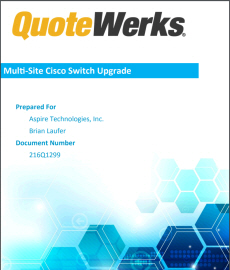
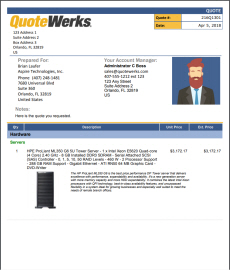
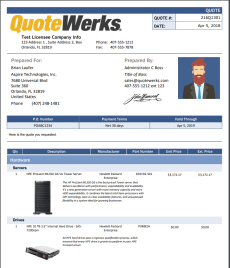
We include several sample layouts in a default installation of QuoteWerks. As you can see below, there are many different possible layout design permutations. You can download the free sample layouts below that can be customized for your business and industry. All of the samples include the Aspire and QuoteWerks logos as examples. You can, of course, remove them entirely, replace them, and/or add additional logos and pictures.To download, right-click and save the FPC file to your ..\QuoteWerks\Layouts folder. If you have questions, please feel free to contact your sales rep or technical support.

|
|
|
Type of Layout: Quote
Unique qualities of this layout:
|
|
|
|
|
Type of Layout: Quote
Unique qualities of this layout:
|
|
|
|
|
Type of Layout: Quote
Unique qualities of this layout:
|
|
|
|

|
Type of Layout: Quote
Unique qualities of this layout:
|
|
|
|

|
Type of Layout: Proposal
Unique qualities of this layout:
|
|
|
|

|
Type of Layout: Quote
Unique qualities of this layout:
|
|
|
|
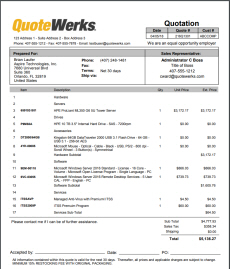
|
Type of Layout: Quotation
Unique qualities of this layout:
|
|
|
|
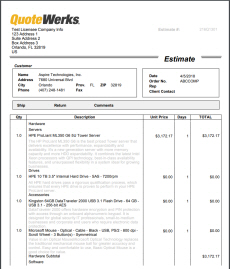
|
Type of Layout: Estimate
Unique qualities of this layout:
|
|
|
|
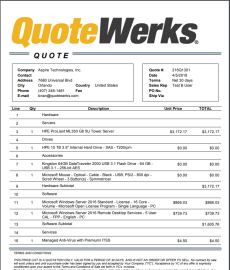
|
Type of Layout: Quote
Unique qualities of this layout:
|
|
|
|
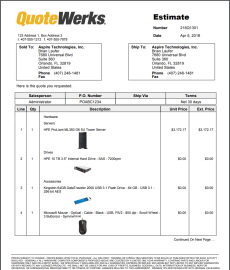
|
Type of Layout: Estimate
Unique qualities of this layout:
|
|
|
|
|
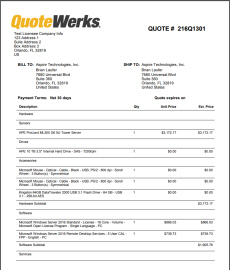
Type of Layout: Quote
Unique qualities of this layout:
|
|
|
|
|
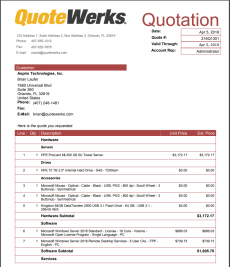
Type of Layout: Quote
Unique qualities of this layout:
|
|
|
|
|
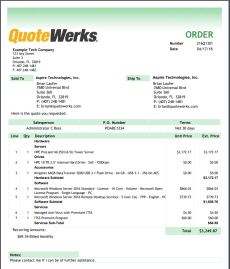
Type of Layout: Order
Unique qualities of this layout:
|
|
|
|
|
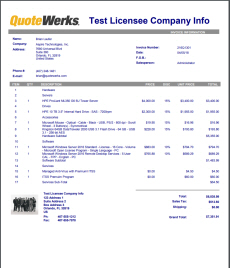
Type of Layout: Invoice
Unique qualities of this layout:
|
 Download layout files
 See full size PDF
QuoteWerks Microsoft Word Layouts
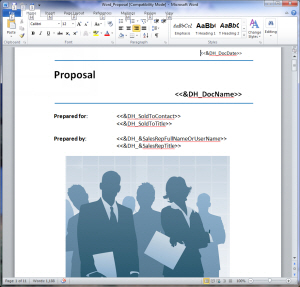
Starting with QuoteWerks Version 4.6, QuoteWerks users now have the ability to create Quote Layouts in Microsoft Word in addition to the built-in QuoteWerks Layout designer. You can download the free sample layouts below that can be customized for your business and industry. All of the samples include the Aspire and QuoteWerks logos as examples. You can, of course, remove them entirely, replace them, and/or add additional logos and pictures.To download, right-click and save the DOC file to your ..\QuoteWerks\Layouts\Quote folder. If you have questions, please feel free to contact your sales rep or technical support.
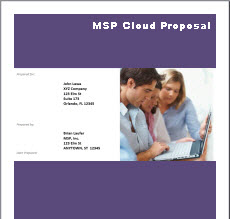
| Microsoft Word Based MSP Cloud Proposal | |
|
Type of Layout: Proposal
Unique qualities of this layout:
Note: You will need to configure your items in QuoteWerks to work with this Proposal. If you need assistance, we offer Professional Services. |
|
|
|
Microsoft
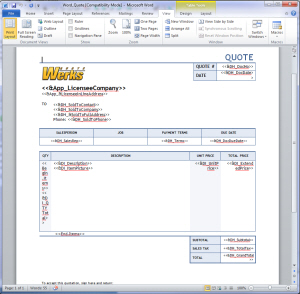
Word Based QuoteWerks Quote
Microsoft
Word Based QuoteWerks Proposal